Mix a Color From a Standard Reference (RAL)
Recreate a standard reference color (such as RAL) using real paints from your collection.
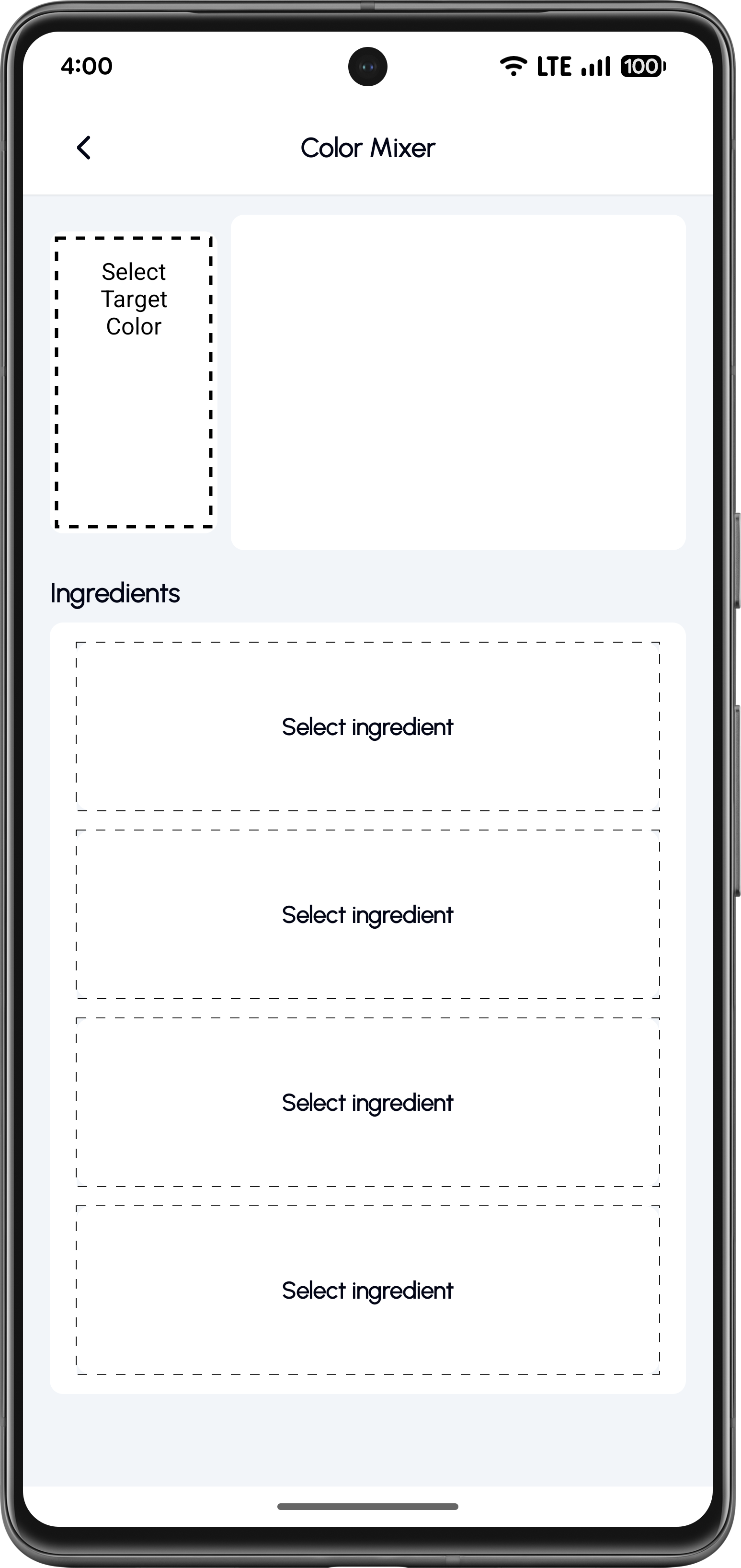
Open the Color Mixer
Start from the Color Mixer screen. Tap Select Target Color to define the color you want to recreate.
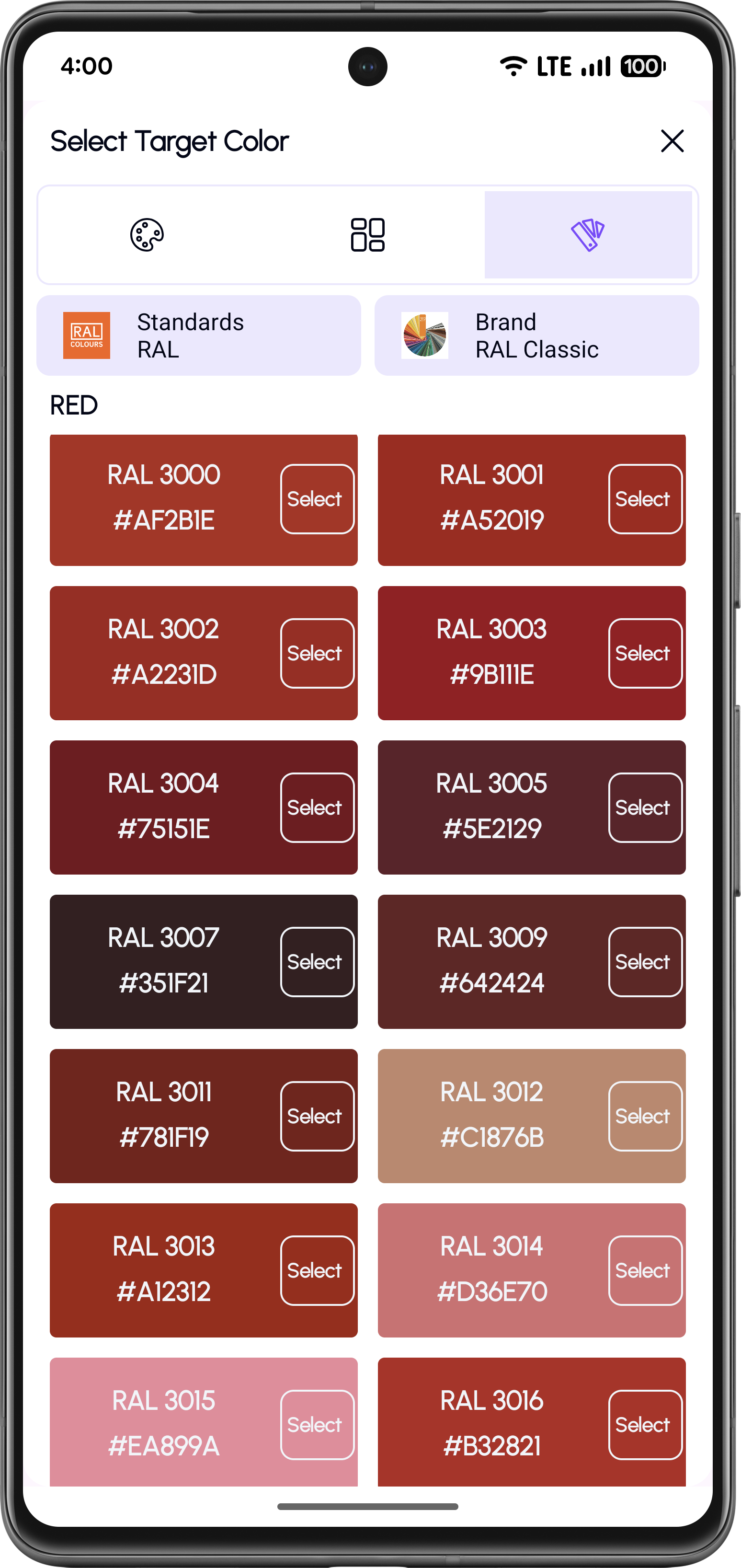
Choose a Standard Reference Color
Select a color from the Standard Catalogue, such as RAL. Browse the list by color group and tap Select.
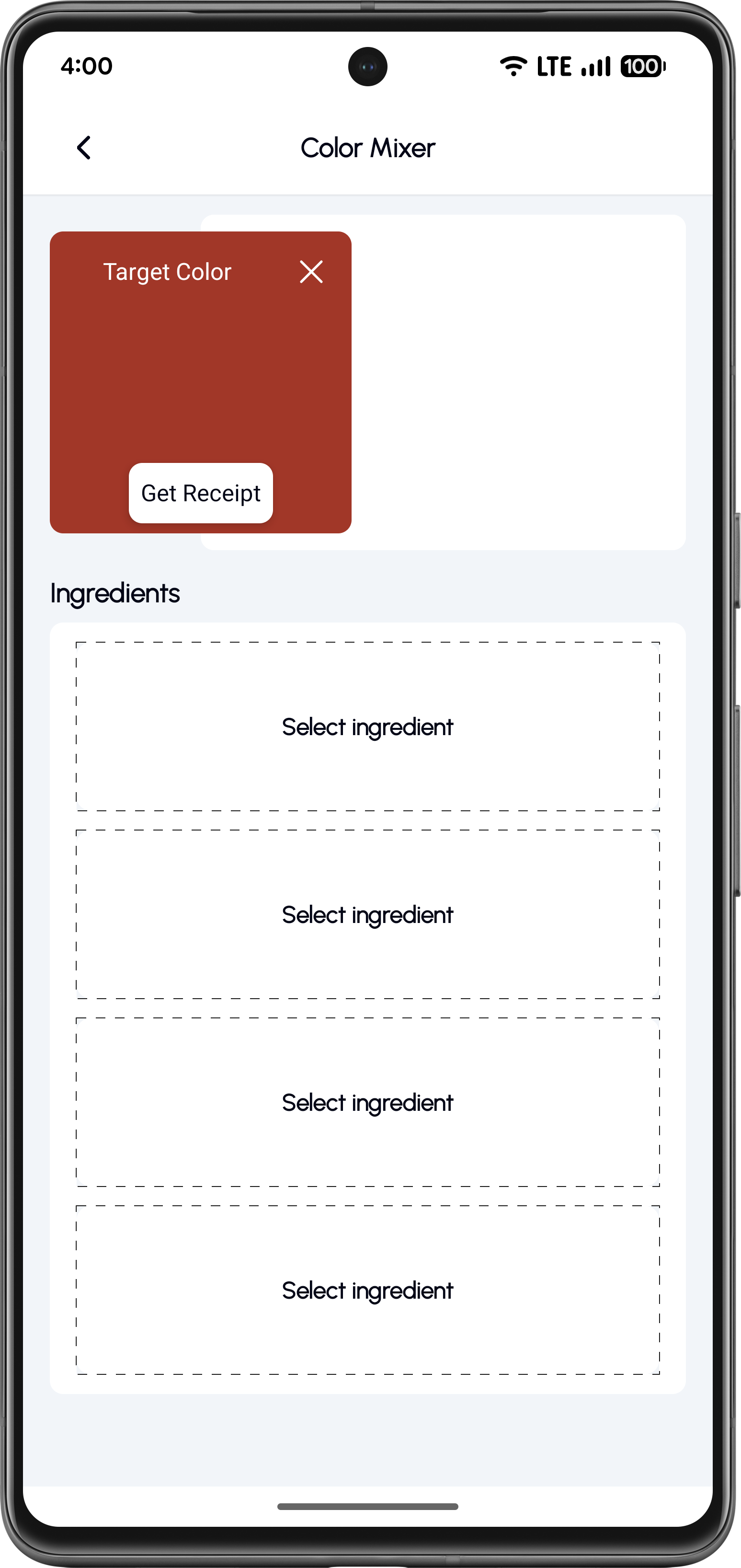
Target Color Selected
Once selected, the target color appears at the top of the mixer. Now start adding paint ingredients.
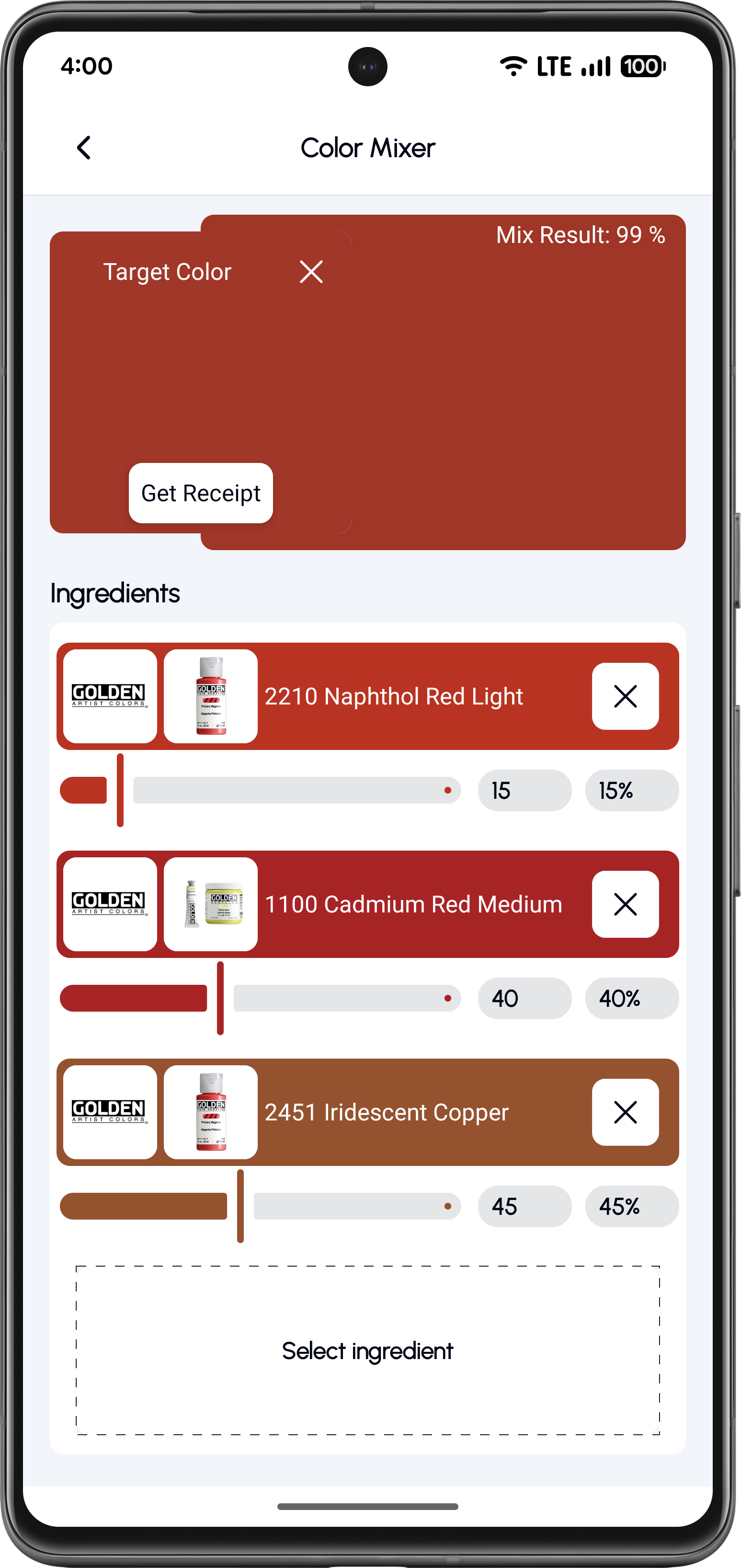
Add Ingredients and Get a Recipe
Add real paint colors, adjust percentages with sliders, and tap Get Recipe for exact ratios.
A repeatable recipe, every time
Perfect for recreating a specific standard color using paints you already own. Start from a trusted reference, mix real paints in controlled ratios, and get a repeatable recipe for consistent results.
Why Use the Color Mixer?
Mix up to four paints in precise ratios
Match standard, brand, or digital colors
Get a similarity score for your mix result
Reuse your existing paint collection
Generate repeatable mixing recipes
Frequently Asked Questions
Yes, you can mix up to four different paints to create complex and accurate custom colors.
The mixer shows a similarity score, helping you understand how close your mix is to the target color.
Yes, you can select brand colors, standard references, or digital values as your target.
Yes, you can save successful mixes and reuse them for future projects.
Start Mixing Custom Paint Colors Today
Download KitColorsPro and create precise paint mixes for your next model build.


Free to download · iOS & Android · 11 languages