Browse Brands, Pick a Color, and Convert It
Start from a real paint brand color, then find similar shades and conversions across other brands.
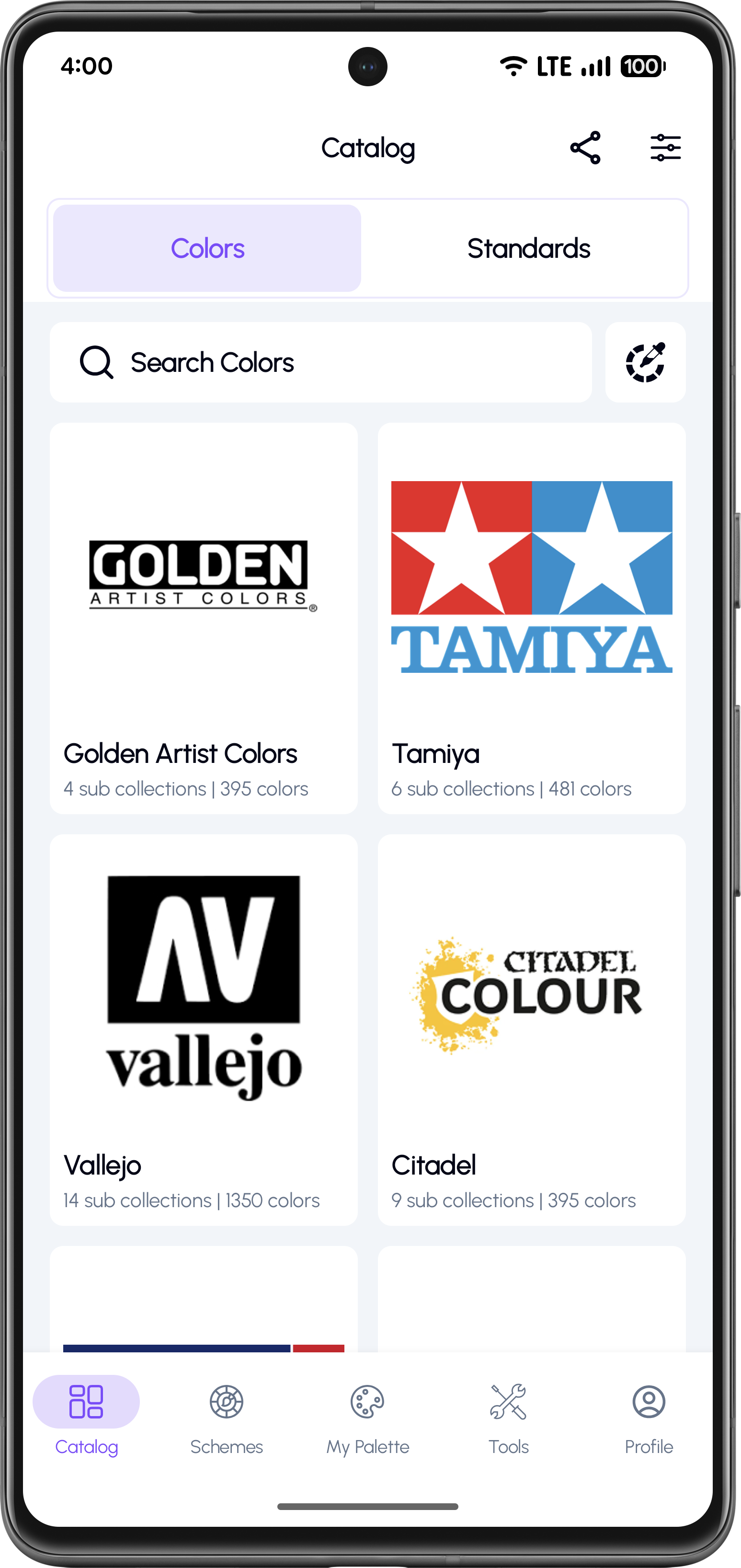
Open the Colors Catalogue
Go to Catalog and keep the Colors tab selected. You'll see a list of paint brands with the number of sub-collections and total colors.
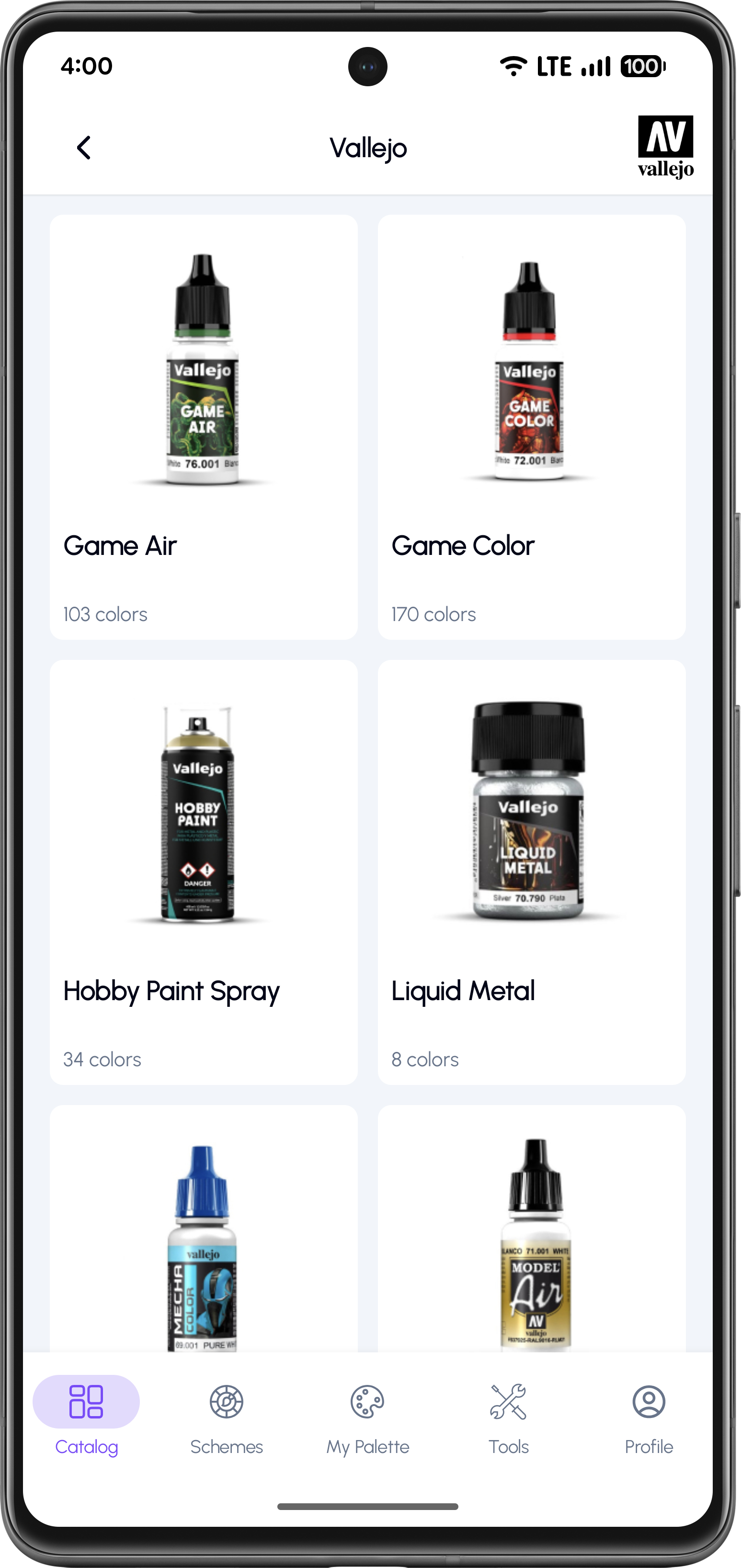
Choose a Brand and Sub-Collection
Open a brand (example: Vallejo) to see its sub-collections. Each sub-collection is a dedicated paint line.
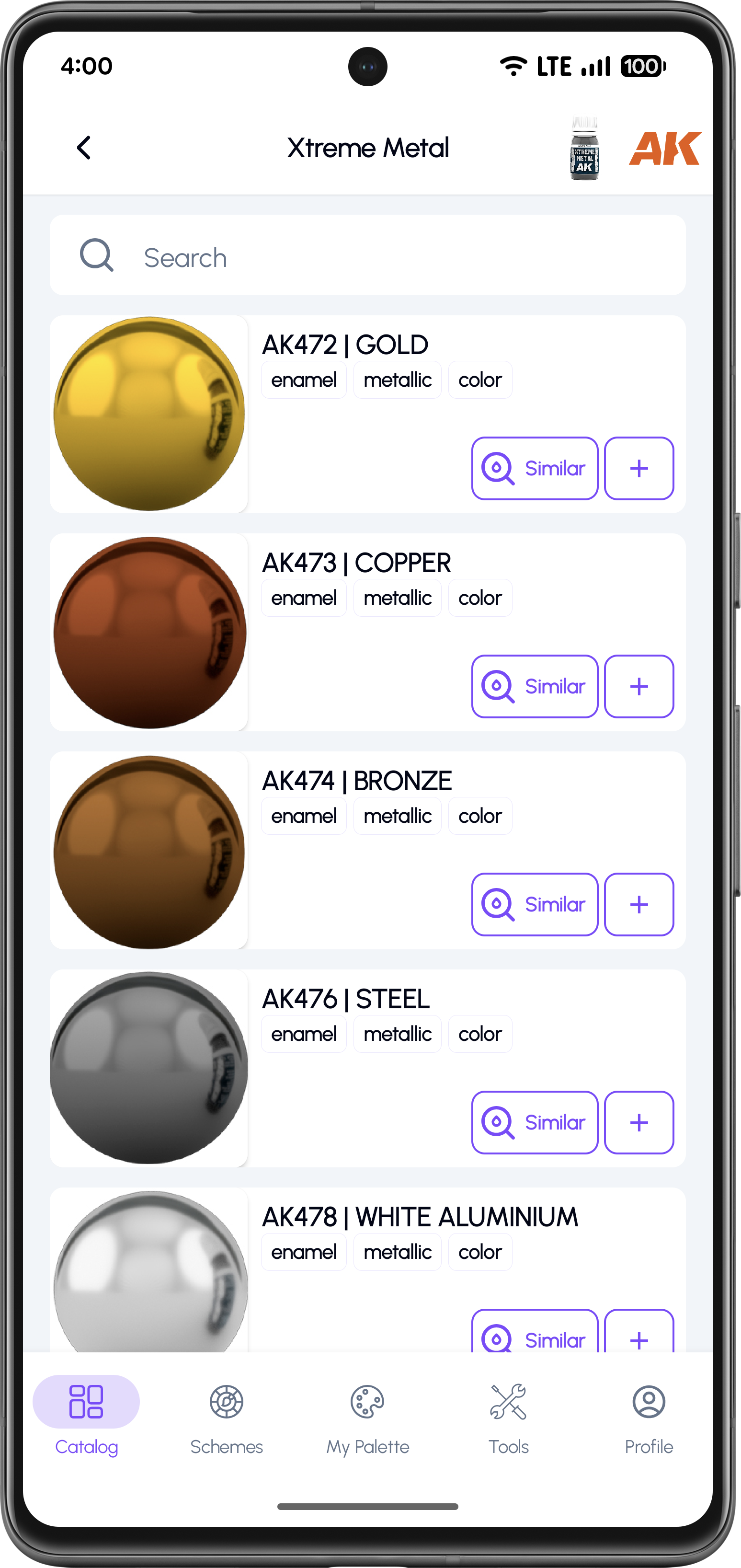
Browse Colors Inside a Paint Line
Inside a sub-collection, you can search colors and browse the list with large color previews.
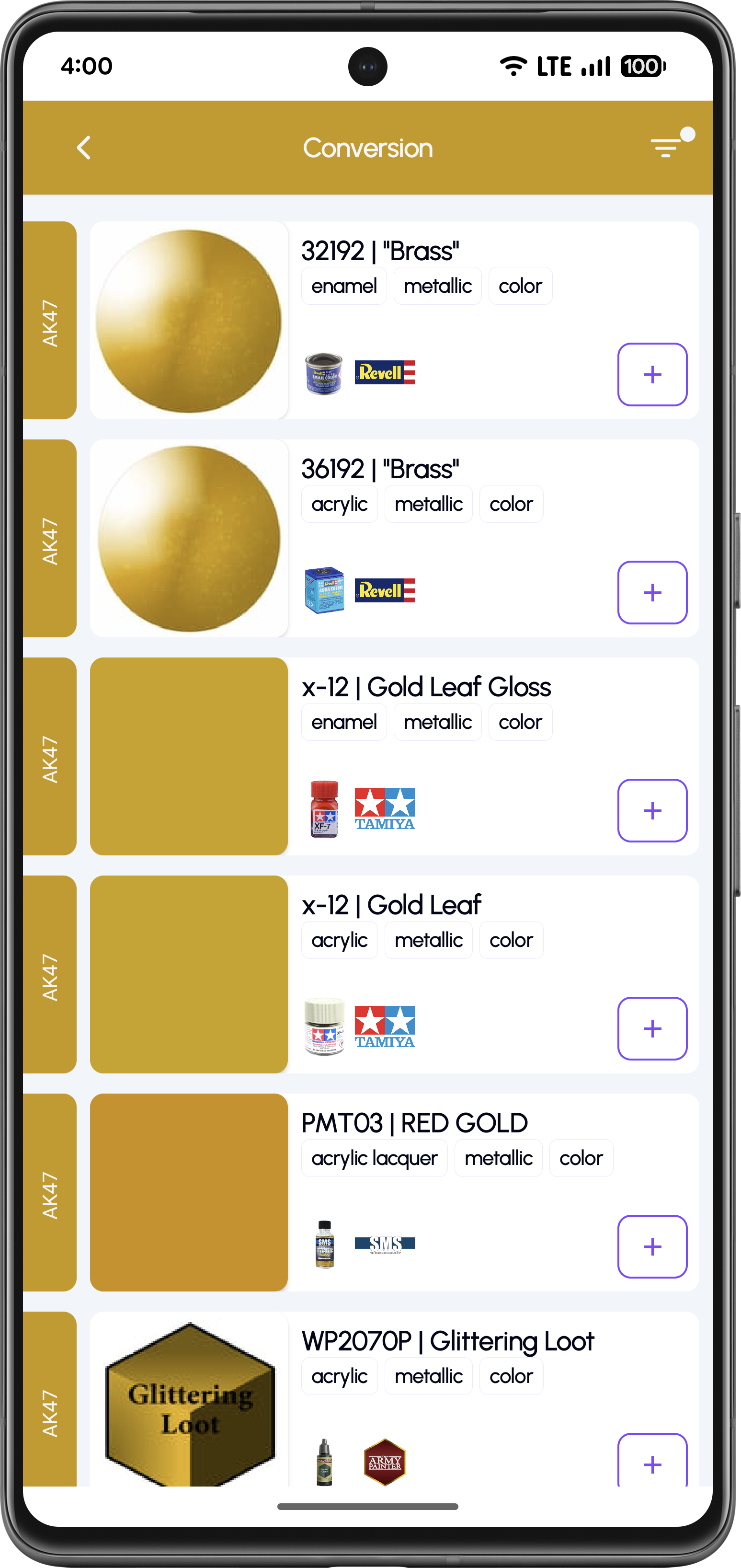
Convert to Closest Matches Across Brands
Open the Conversion view to see the nearest equivalents from other brands for your selected paint.
Why Use the Colors Catalogue?
Browse complete paint libraries by brand
Organized sub-collections for each paint line
Fast search to find specific paints
Find similar colors instantly
Convert a paint to the closest matches across other brands
Frequently Asked Questions
KitColorsPro includes many popular model paint brands and keeps expanding the catalogue over time.
A sub-collection is a specific paint line inside a brand (for example acrylics, lacquers, metallics, sprays, and more).
Similar helps you find close shades related to a selected color, making it easier to explore alternatives.
Yes. Use the Conversion view to see the closest matches from other paint brands.
Explore Paint Libraries and Find Perfect Matches
Download KitColorsPro to browse brand catalogs, find similar colors, and convert shades across paint ranges.


Free to download · iOS & Android · 11 languages