How Image Color Picker Works
Take a color from any photo and convert it into real hobby paints.
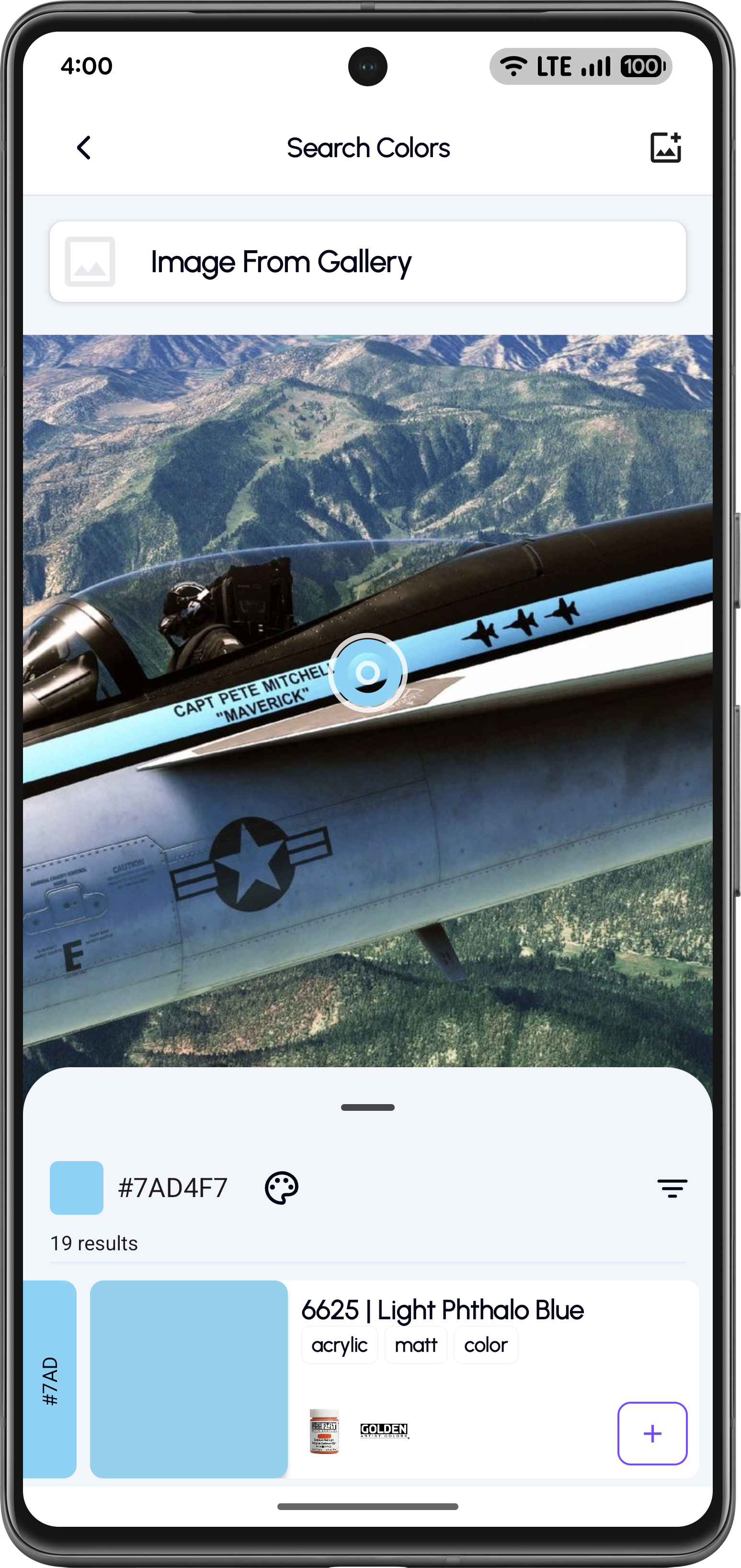
Upload an Image
Open the Image Color Picker tool and upload an image from your gallery.
Tap to Pick a Color
Tap anywhere on the image to pick a color using the pipette tool. View the detected HEX/RGB value.
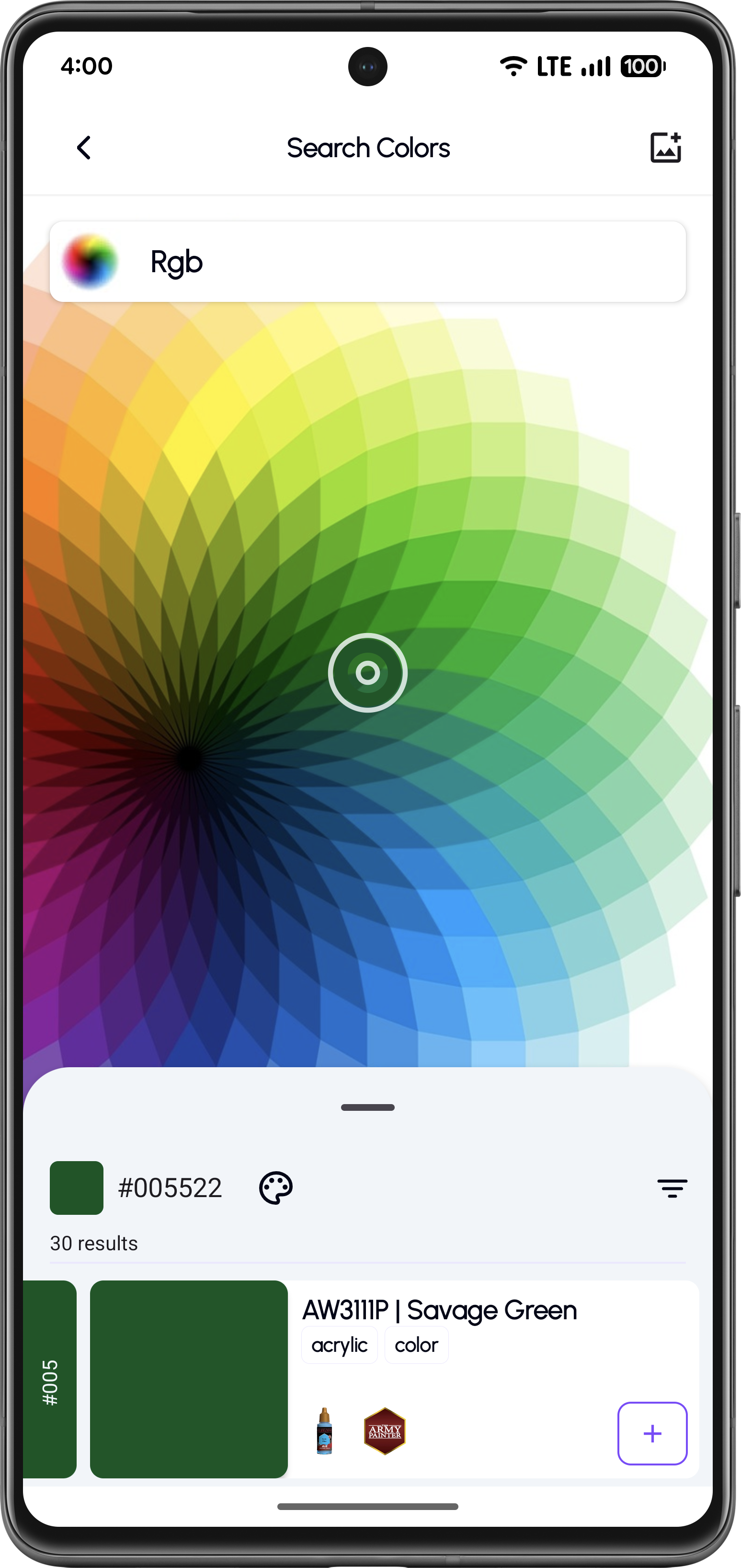
Visual Color Wheel Selection
Use the RGB color wheel for fine-tuned selection or manual color entry.
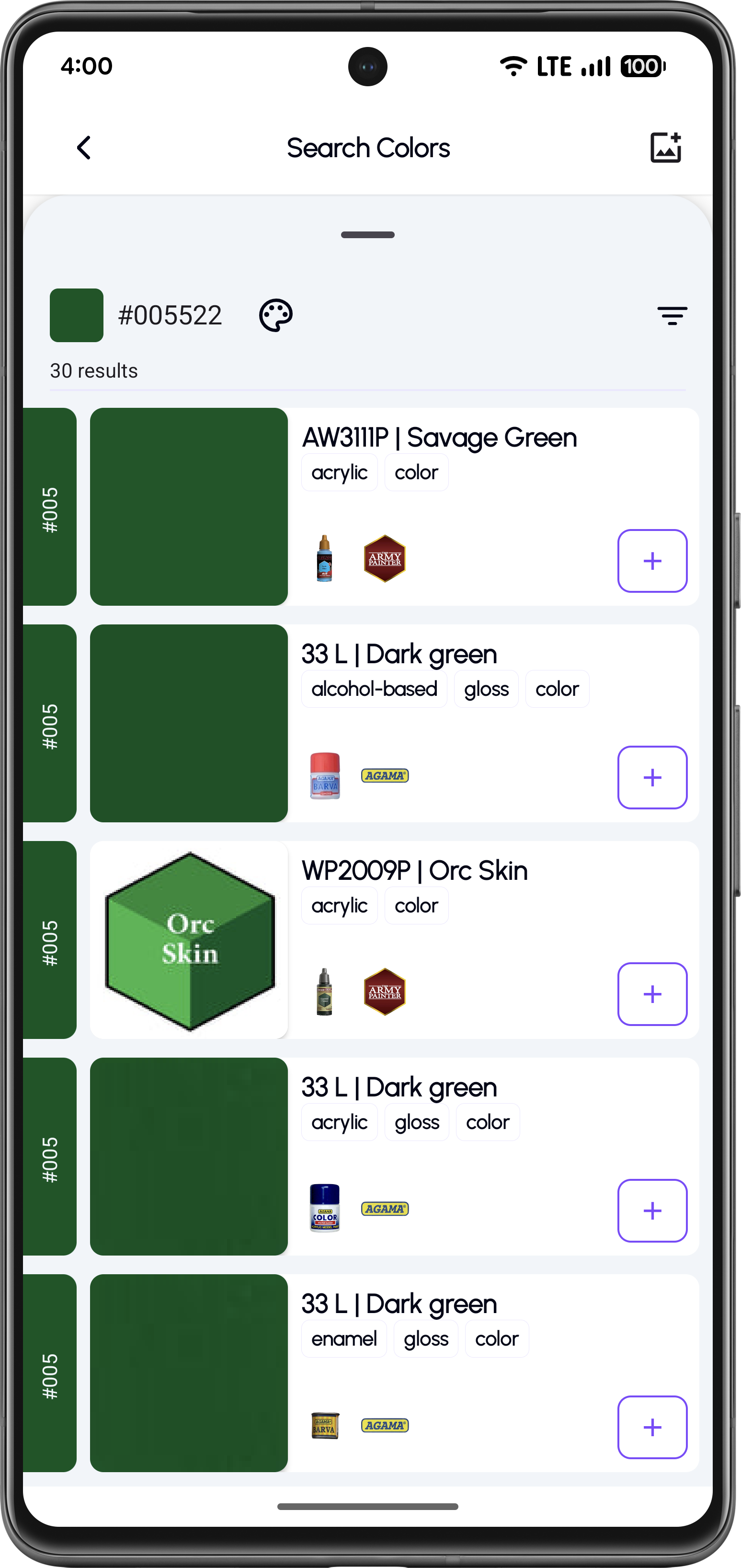
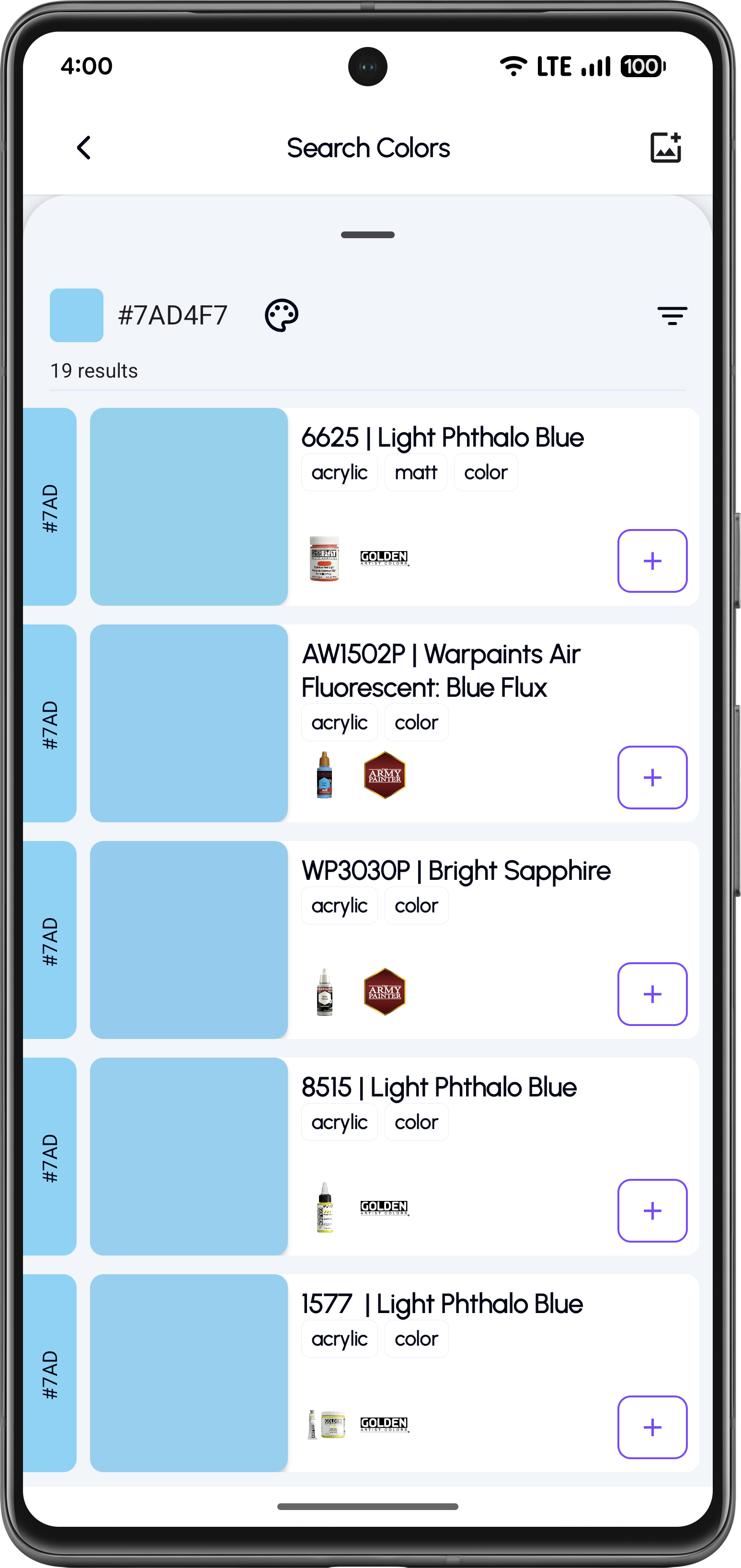
Browse Matching Paint Results
Apply filters by paint base, finish, or brand and add paints to your inventory.
Feature Highlights
Pick colors directly from photos
RGB & HEX color detection
Visual color wheel selection
Real paint matching across brands
Filter by paint base (acrylic, enamel, lacquer)
Filter by finish (matt, gloss, metallic, satin)
Use Cases
Match Real Aircraft Colors
Extract colors from real aircraft photos and convert them into accurate scale model paints.
Convert Figure Reference Art
Pick skin, armor, and cloth colors from artwork or photos and find matching miniature paints.
Recreate Environment Tones
Capture terrain, camouflage, and weathering tones from photos for realistic dioramas.
Turn Any Image into a Paint Guide
Download KitColorsPro and pick colors from any photo to instantly find matching hobby paints for your models and miniatures.


Free to download · iOS & Android · 11 languages