Browse Standards and Use a Reference Color
Start from an official standard colour and convert it to real paint matches.
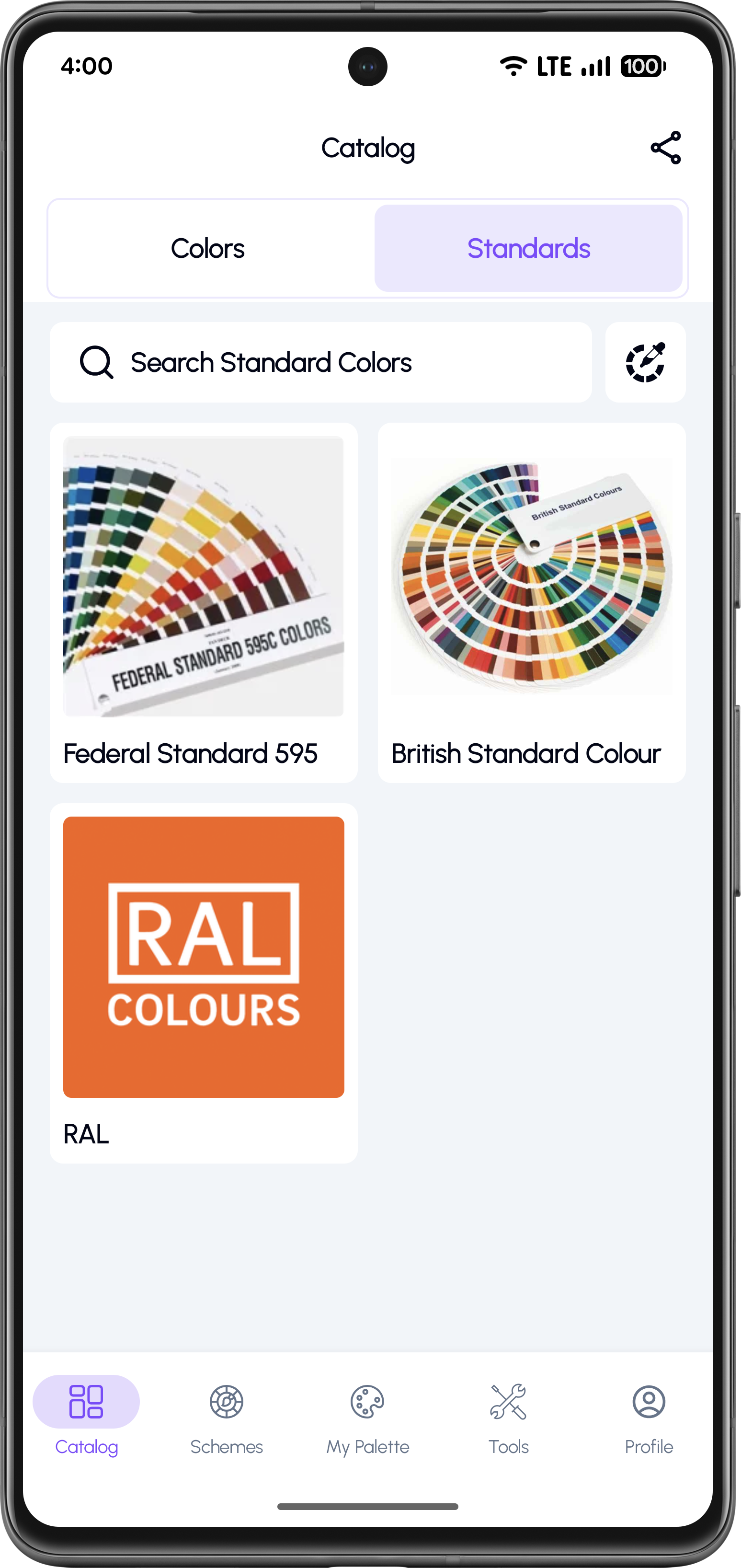
Open the Standards Catalogue
Go to Catalog and switch to the Standards tab. Use the search field to quickly find a standard colour system.
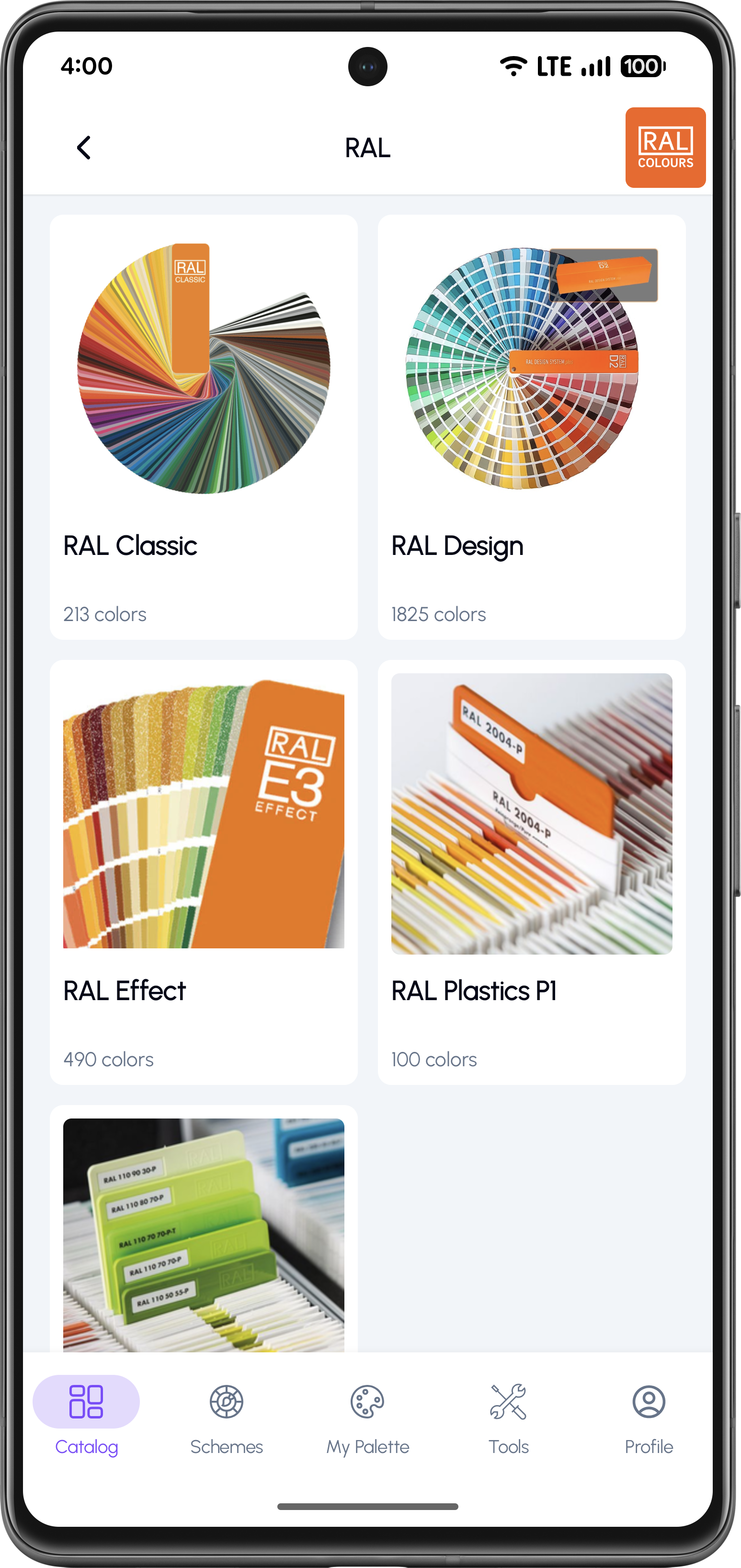
Select a Standard System (Example: RAL)
Choose the standard system you need. For RAL, you can browse multiple sets such as RAL Classic, RAL Design, RAL Effect.
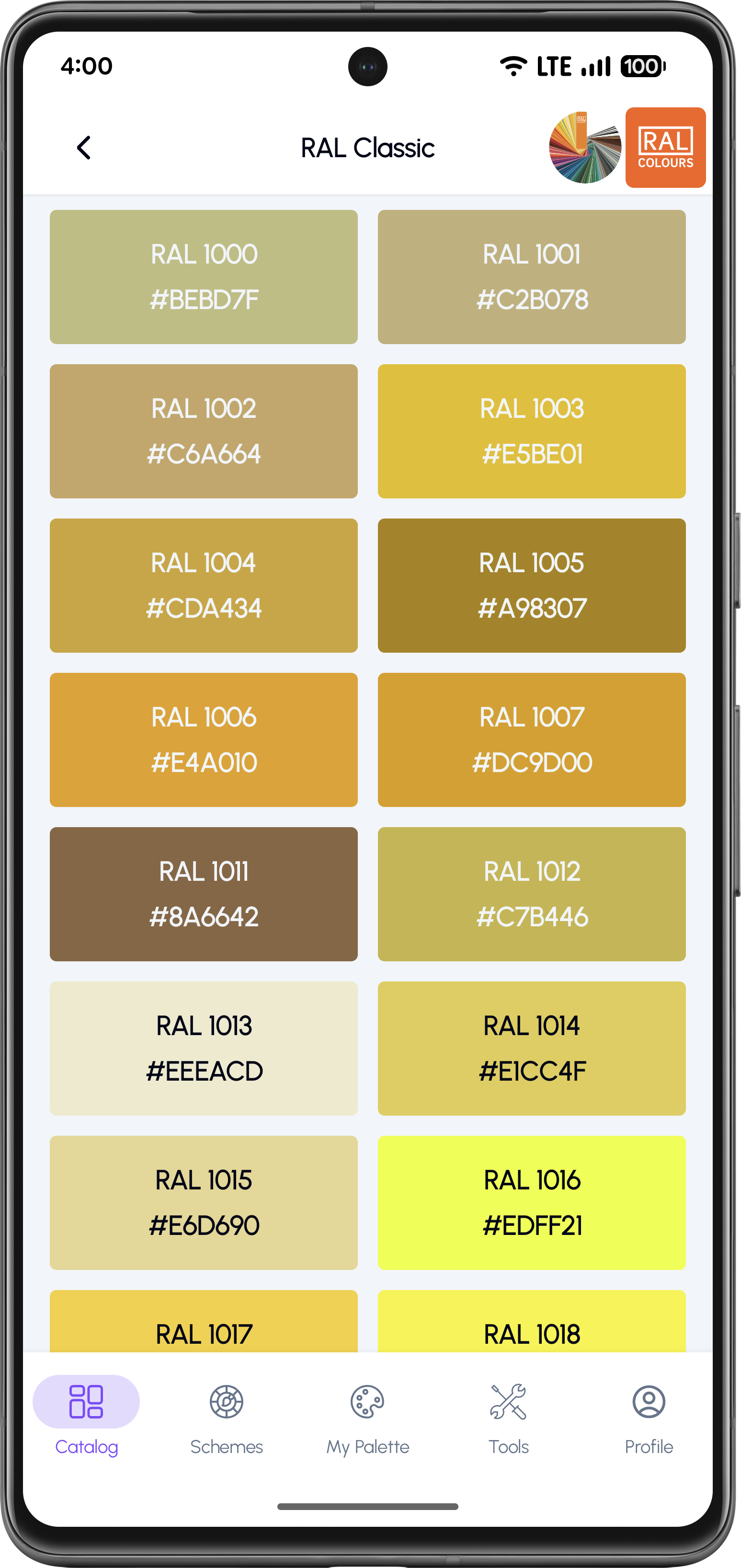
Pick a Standard Color
Open a set like RAL Classic and select a specific colour from the grid. Each card shows the standard code and HEX value.
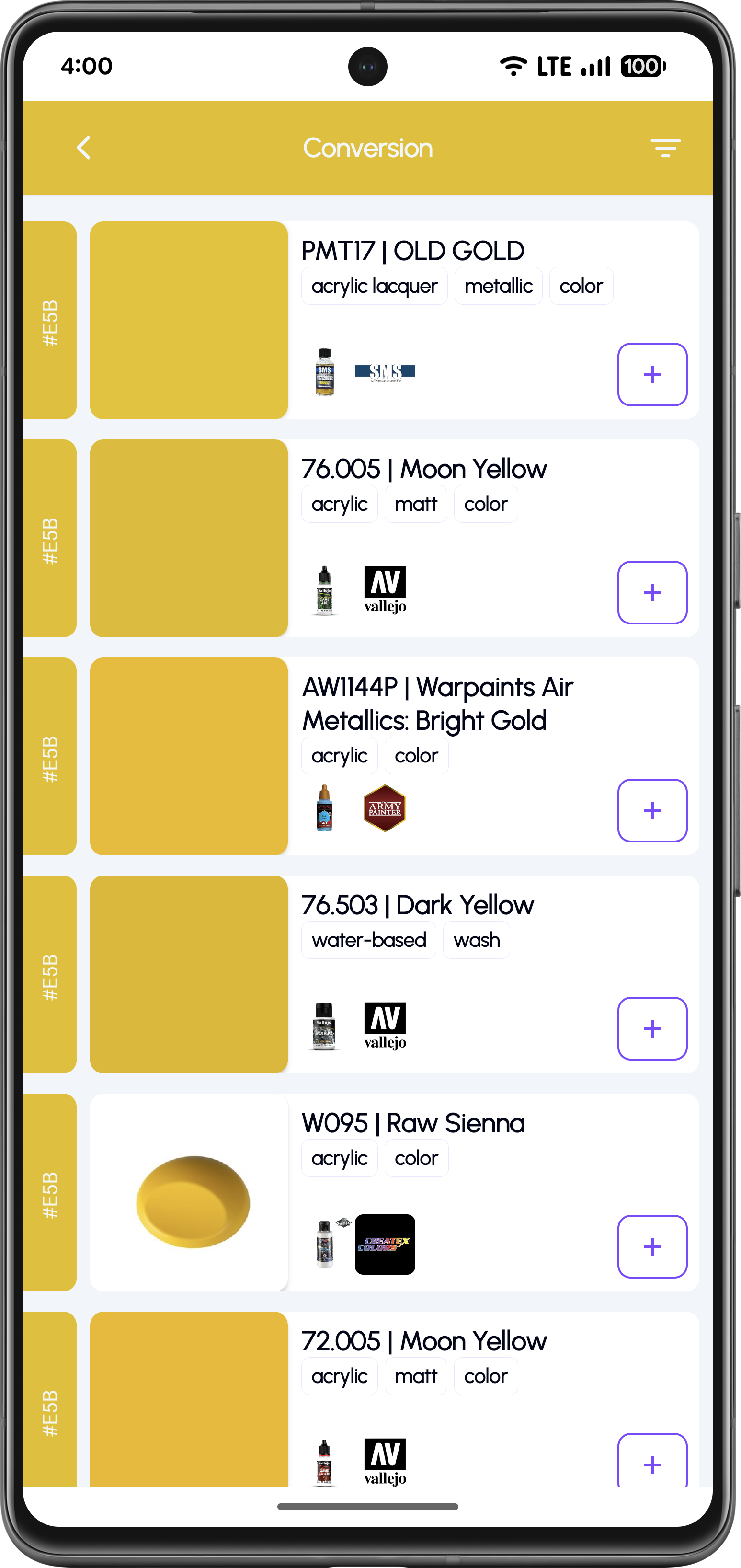
Convert the Standard to Paint Matches
After choosing a standard colour, use the Conversion view to see the closest matches across paint brands.
Why Use Standard Colours?
Start from trusted references (RAL, FS 595, BS and more)
Quickly verify colors using codes and HEX values
Use standards as a baseline for conversions
Keep results consistent across different paint brands
Speed up paint selection for accurate builds
Frequently Asked Questions
KitColorsPro supports popular standard systems such as RAL, Federal Standard 595, and British Standard, with more references available over time.
Yes. Use the search field to quickly find a standard system or locate specific colours by code.
You can use it as a reference for conversions and find the closest paint matches across different brands.
Yes. Standard colours display HEX values to help you verify and compare shades.
Use Standards as Your Paint Reference
Download KitColorsPro and convert standard colors into real paint matches for your next build.


Free to download · iOS & Android · 11 languages