
KitColorsPro — Paint Matching Tools for Scale Modelers

Find equivalent model paints, convert colors between brands, pick colors from images, and mix custom shades with precision.

KitColorsPro is an all-in-one color tool for scale modelers and miniature painters. Convert colors between brands, browse official standards, pick colors from photos, and build perfect palettes for your projects.

Explore Features

Explore Key Features

Convert Paint Colors Between Brands

Convert any paint color from one brand into the closest equivalents from other brands. Compare acrylic, enamel, and lacquer paints instantly.
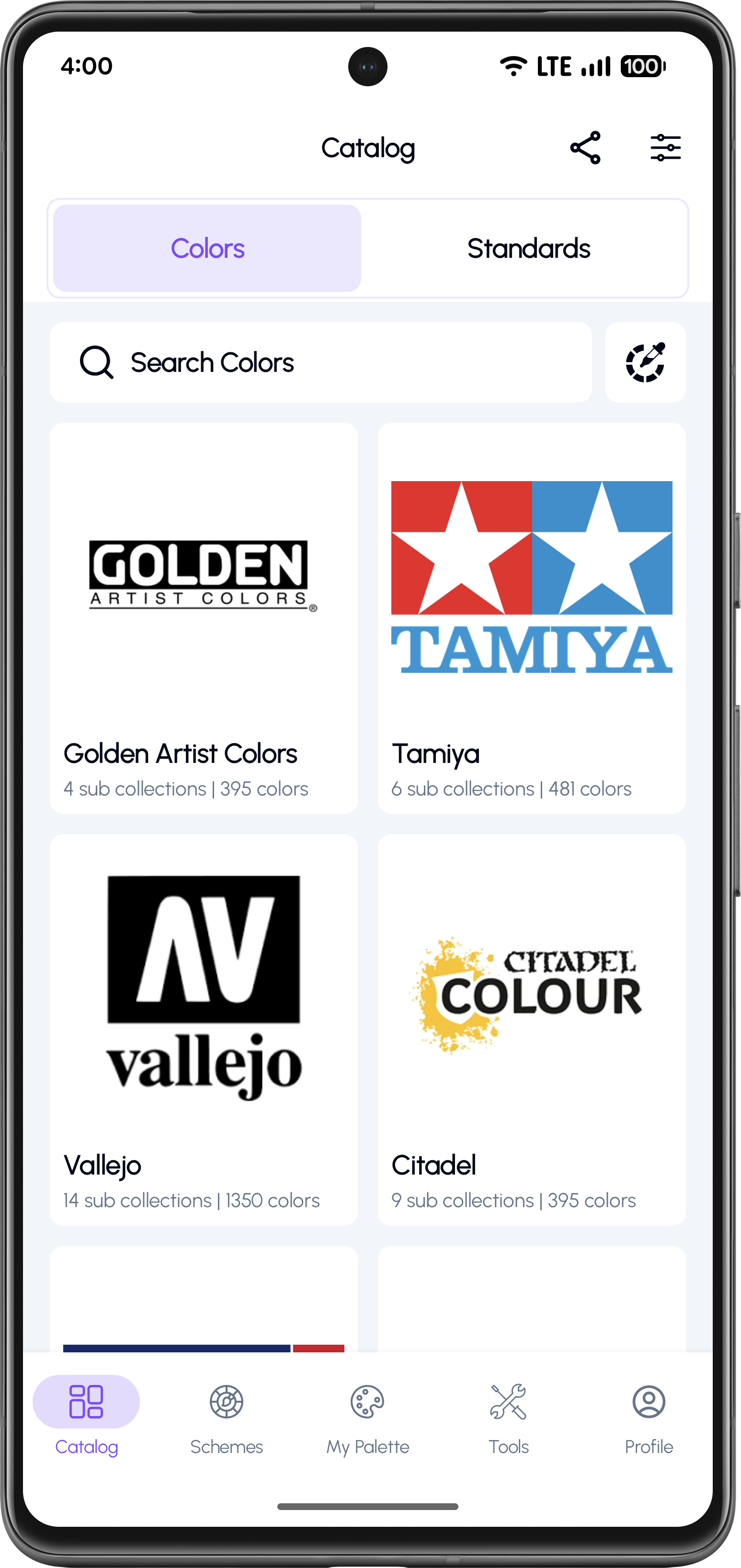
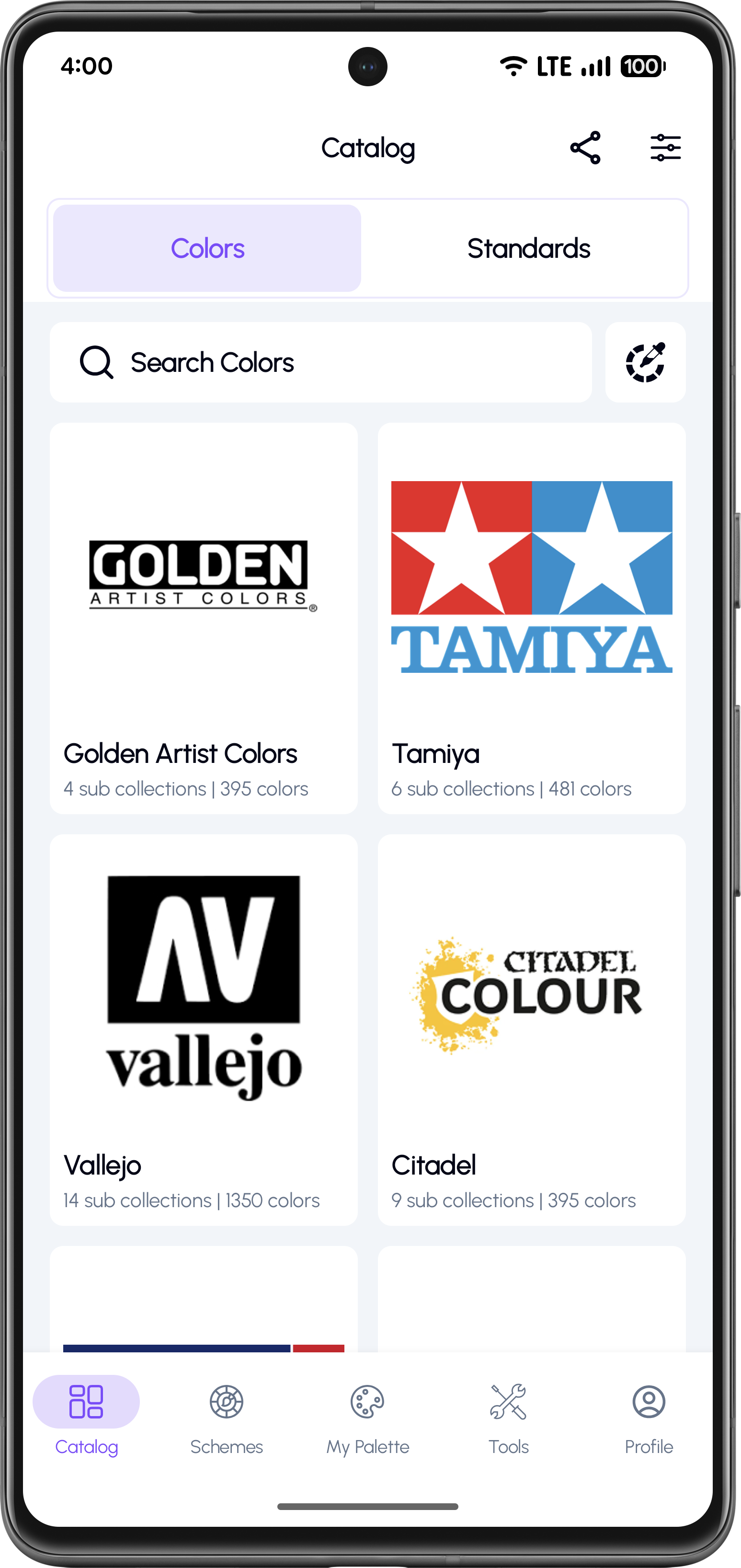
Select a paint brand from catalog

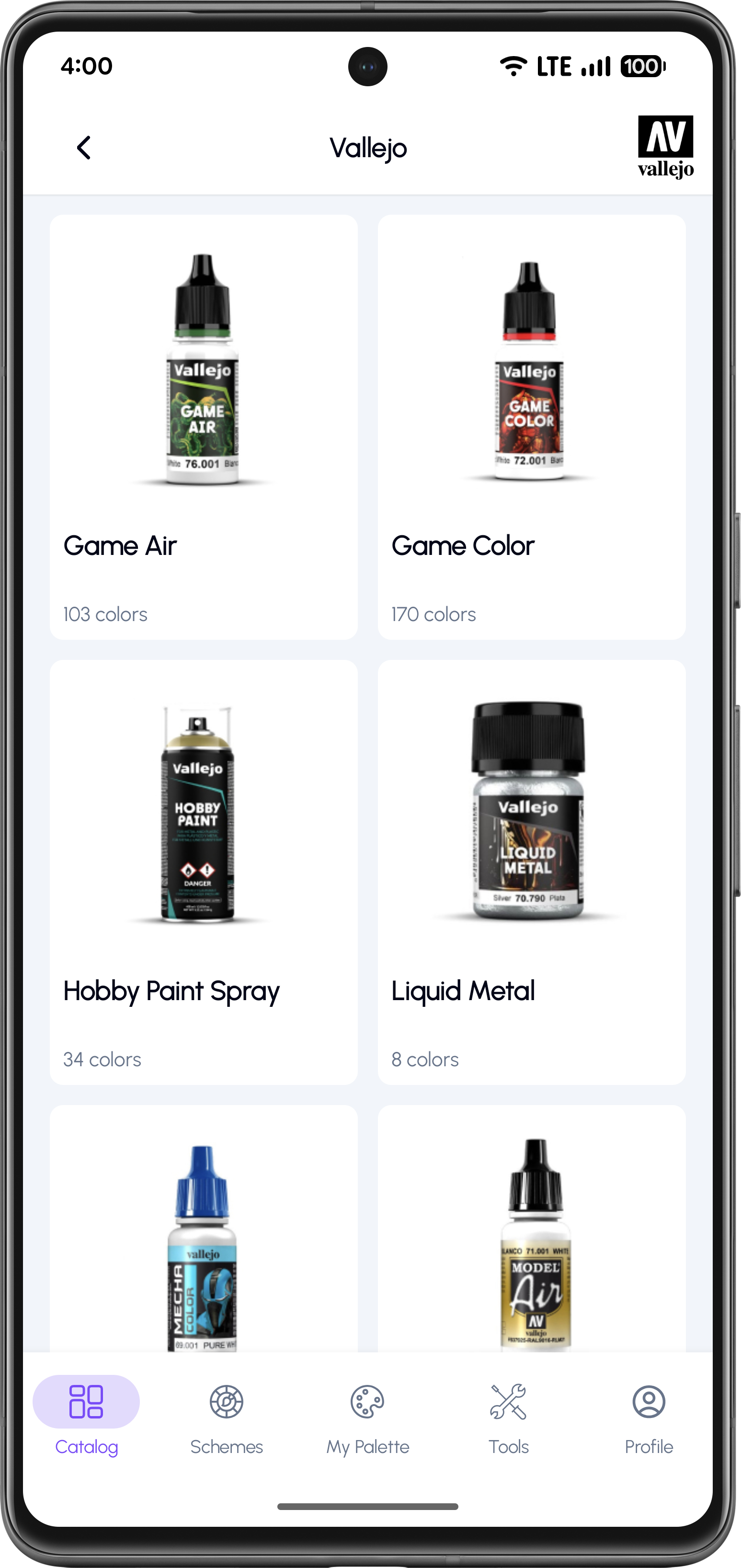
Choose a Paint Brand

Select from popular brands like Tamiya, Vallejo, or Citadel to start.
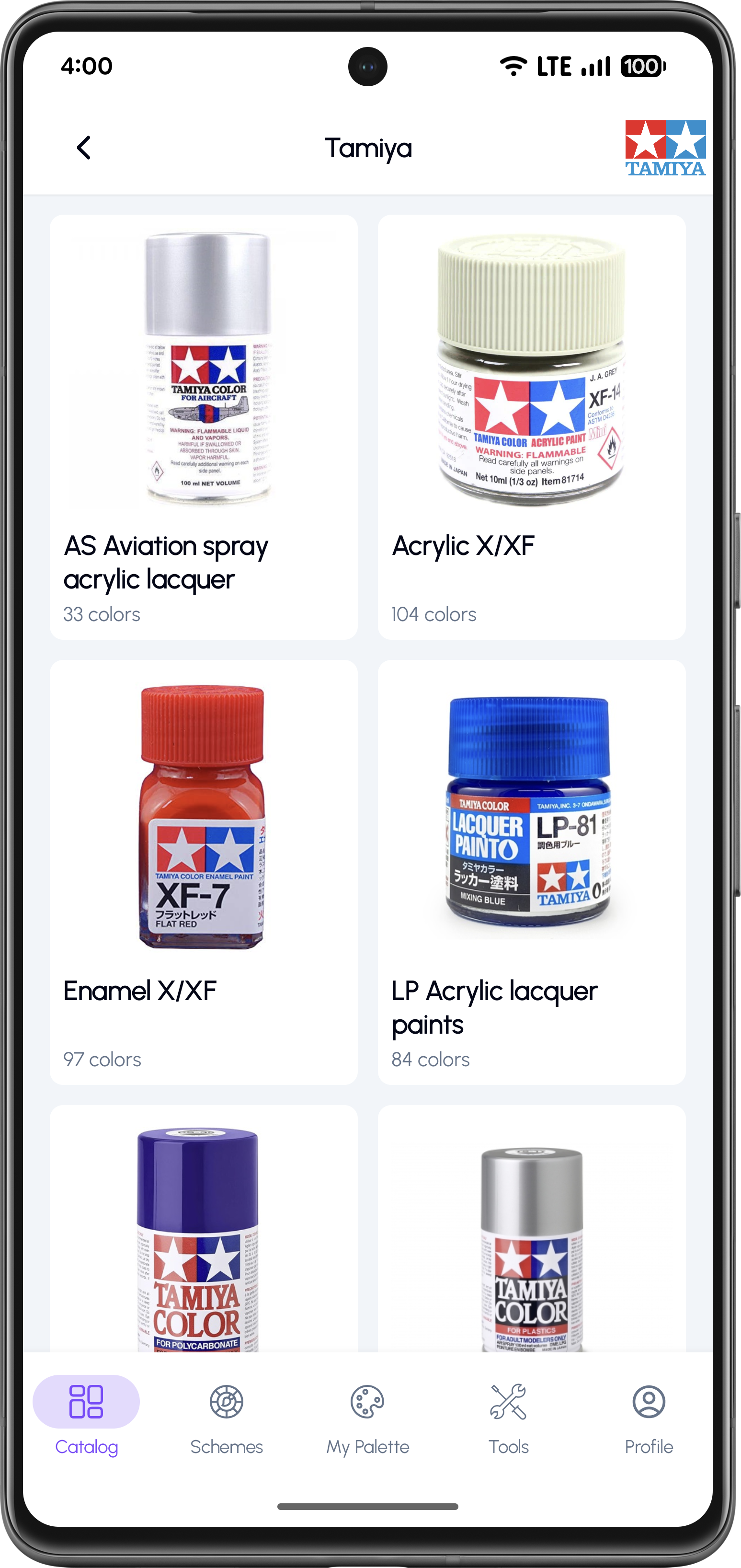
Choose a sub-collection

Select a Sub-Collection

Browse subcollections to narrow down your color search.
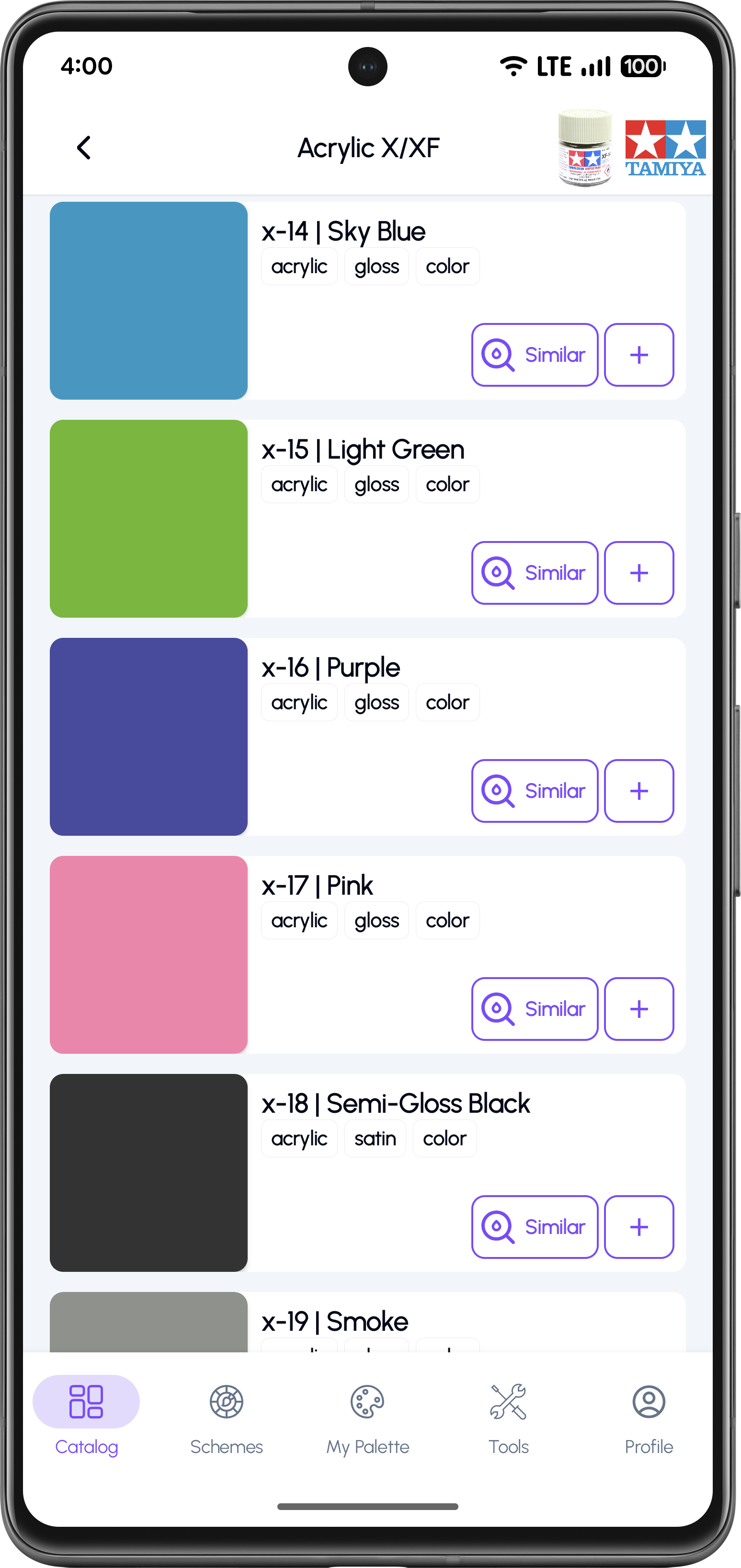
Pick a specific color

Pick a Color

View full color information including codes and values.
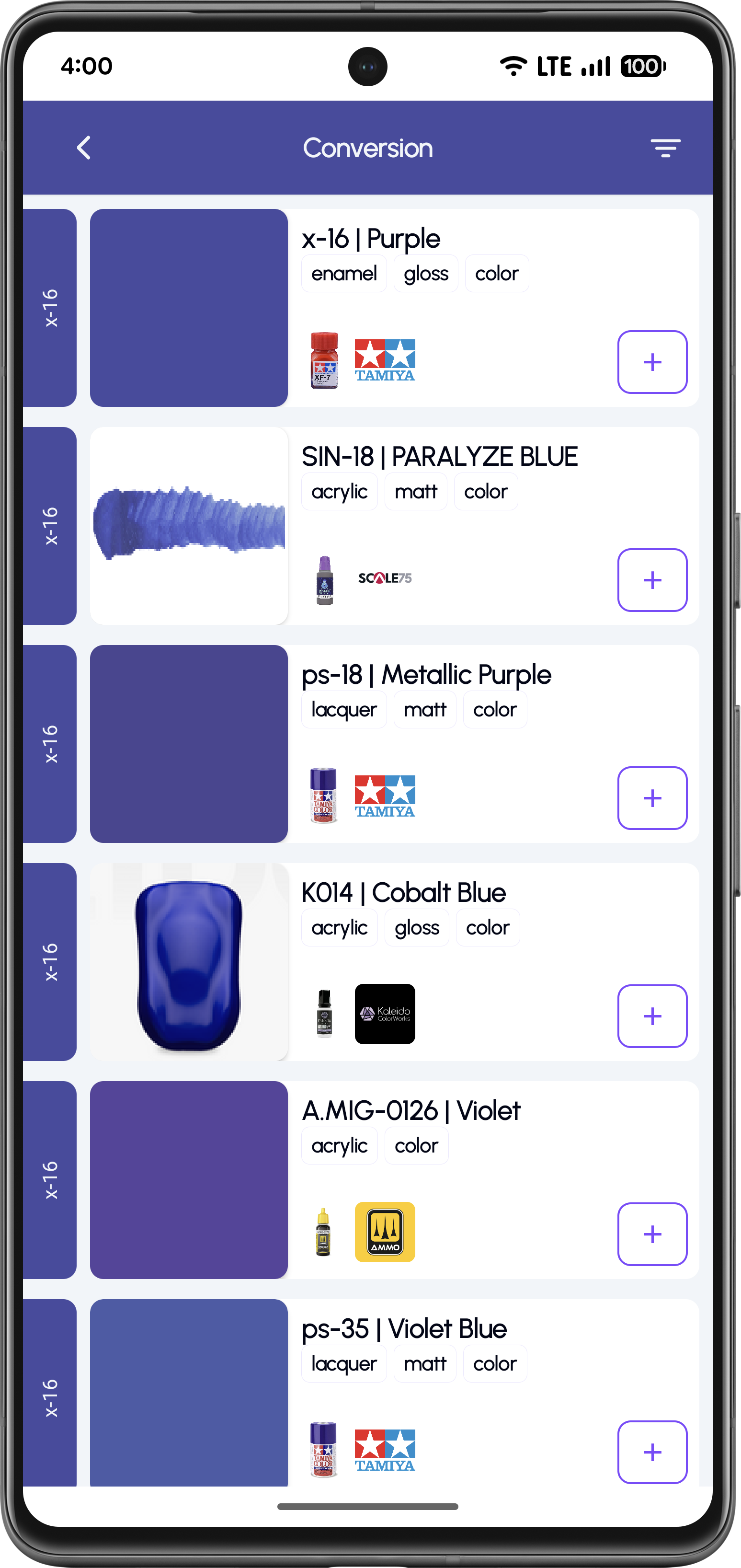
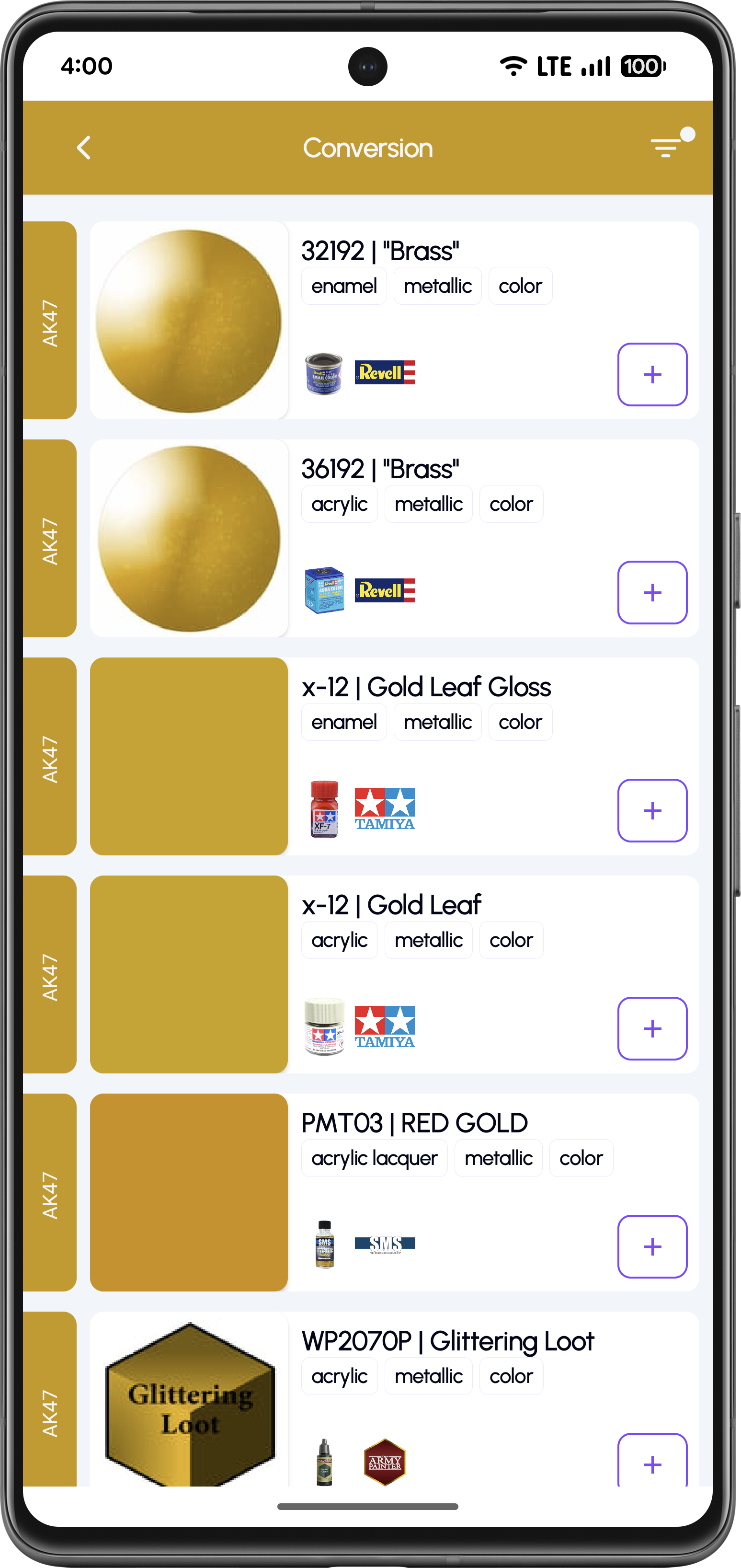
View conversion results

View Equivalent Paints

Find equivalent colors across other brands and standards.
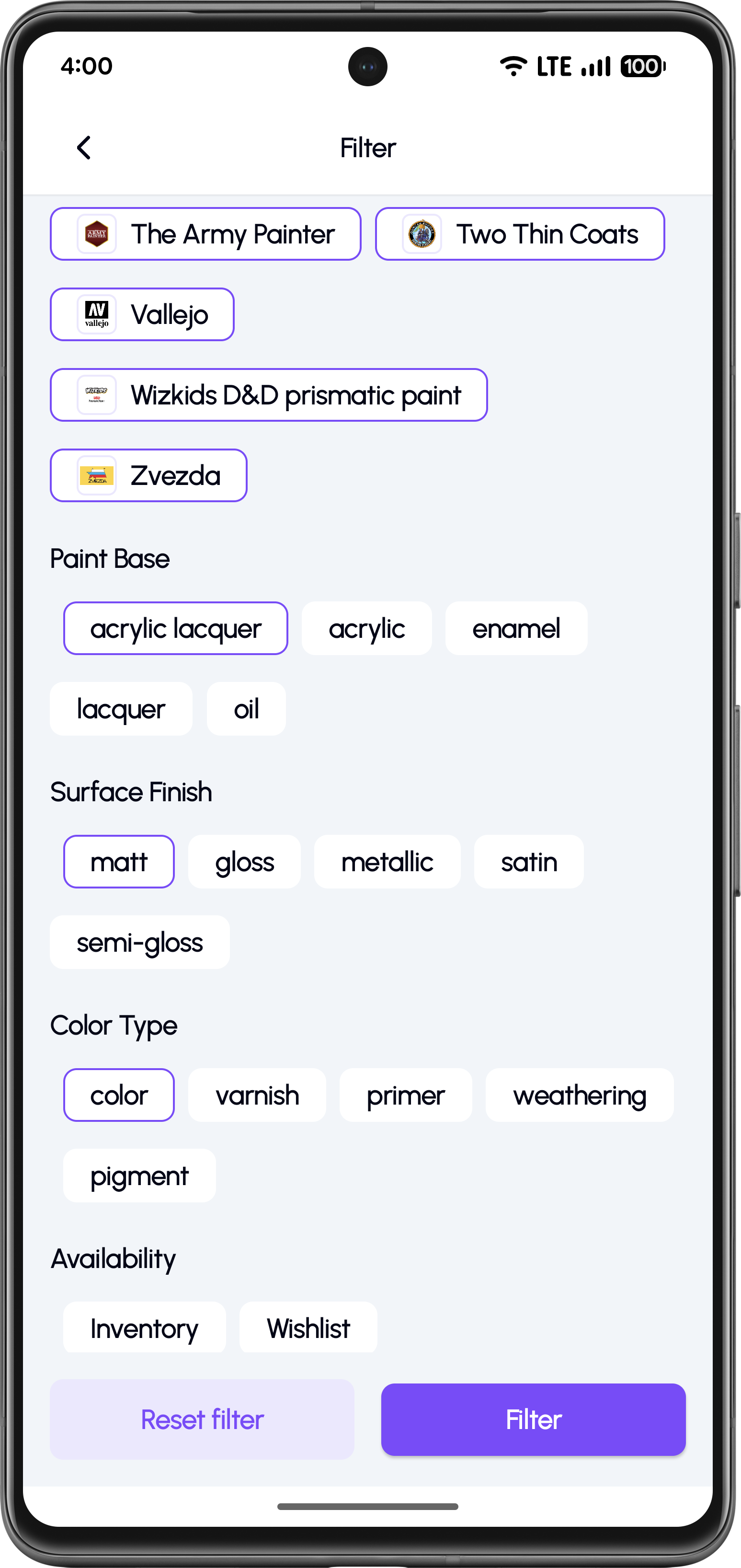
Add to inventory or wishlist

Save to Inventory

Add paints to your inventory or wishlist for later.
Learn More

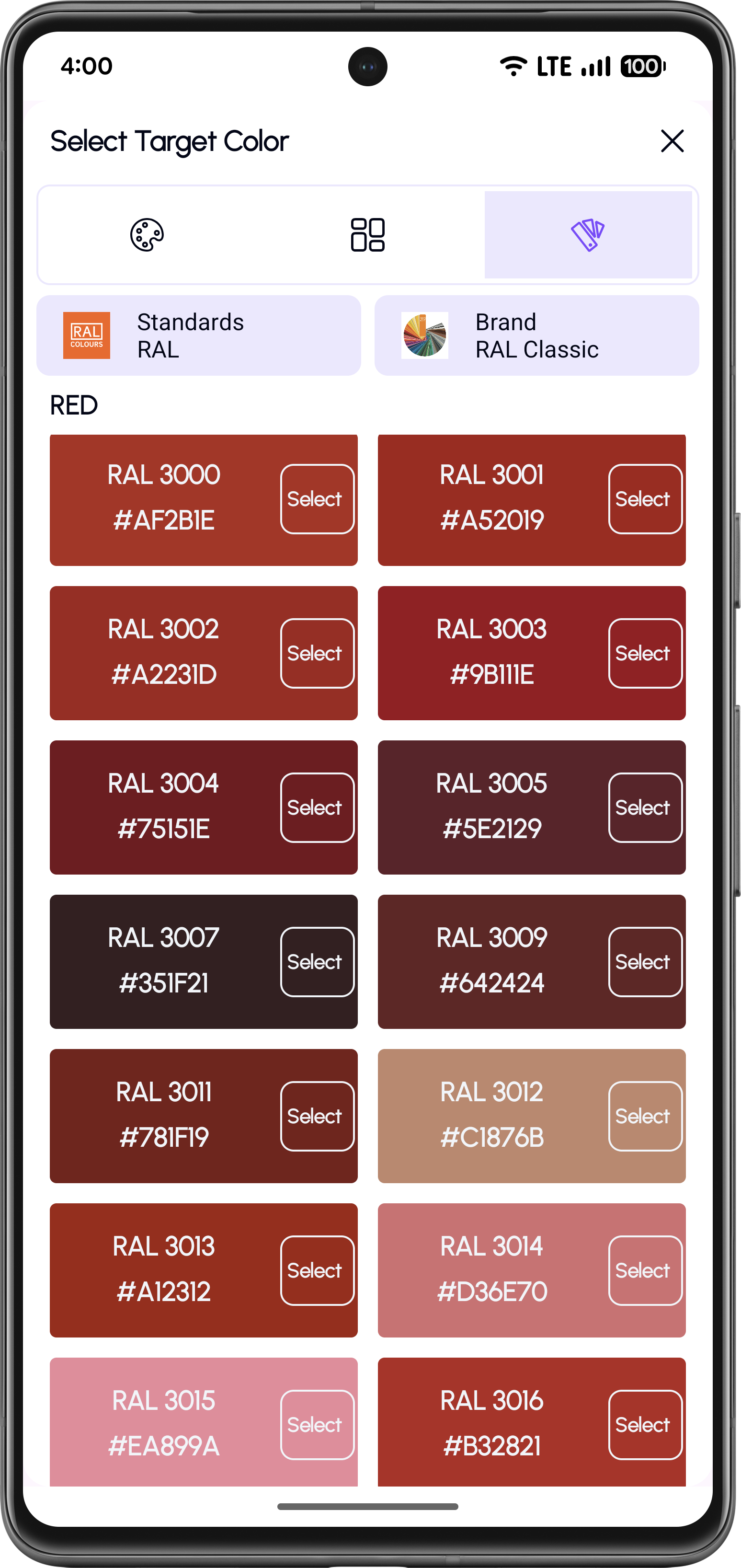
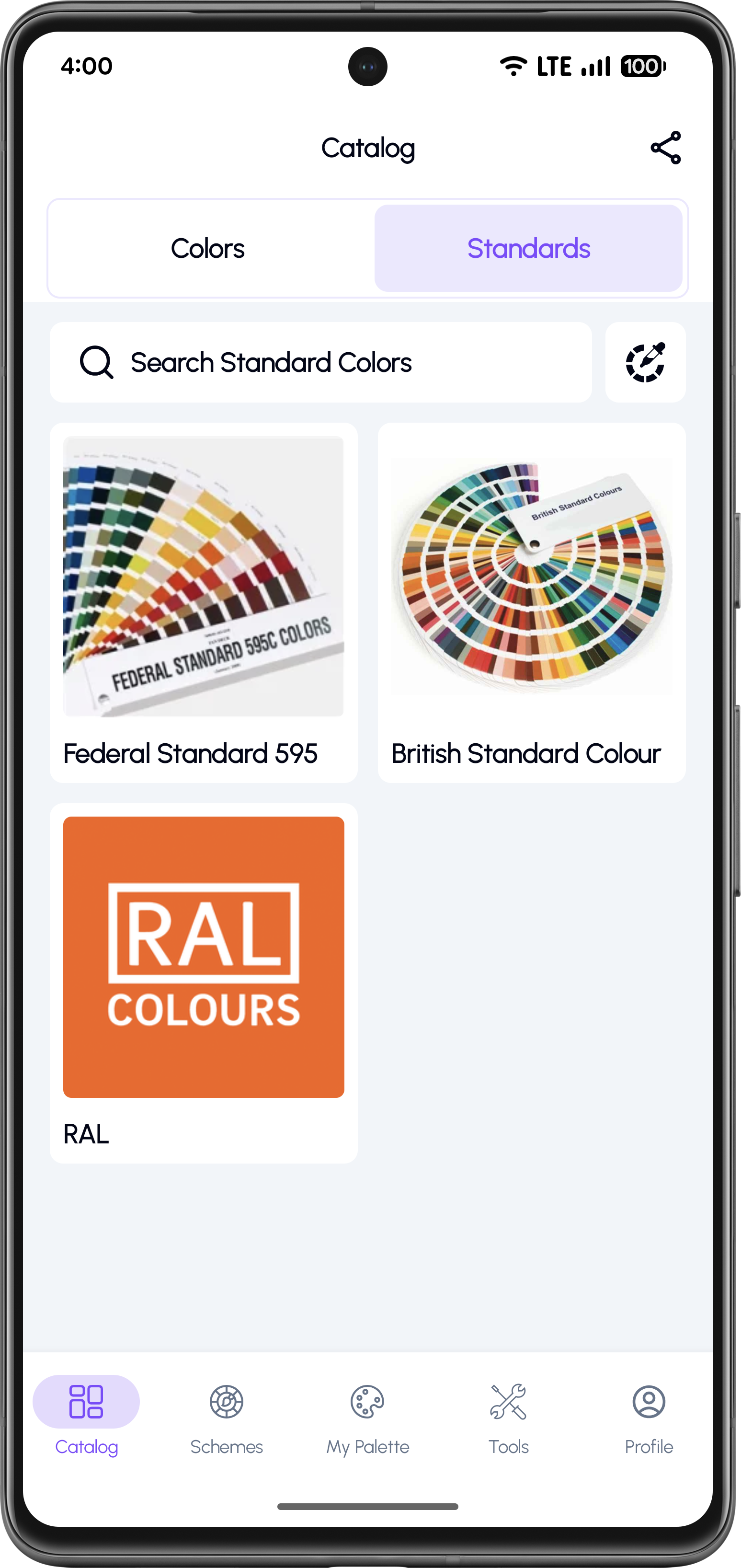
Convert RAL, FS595, and British Standard Colors

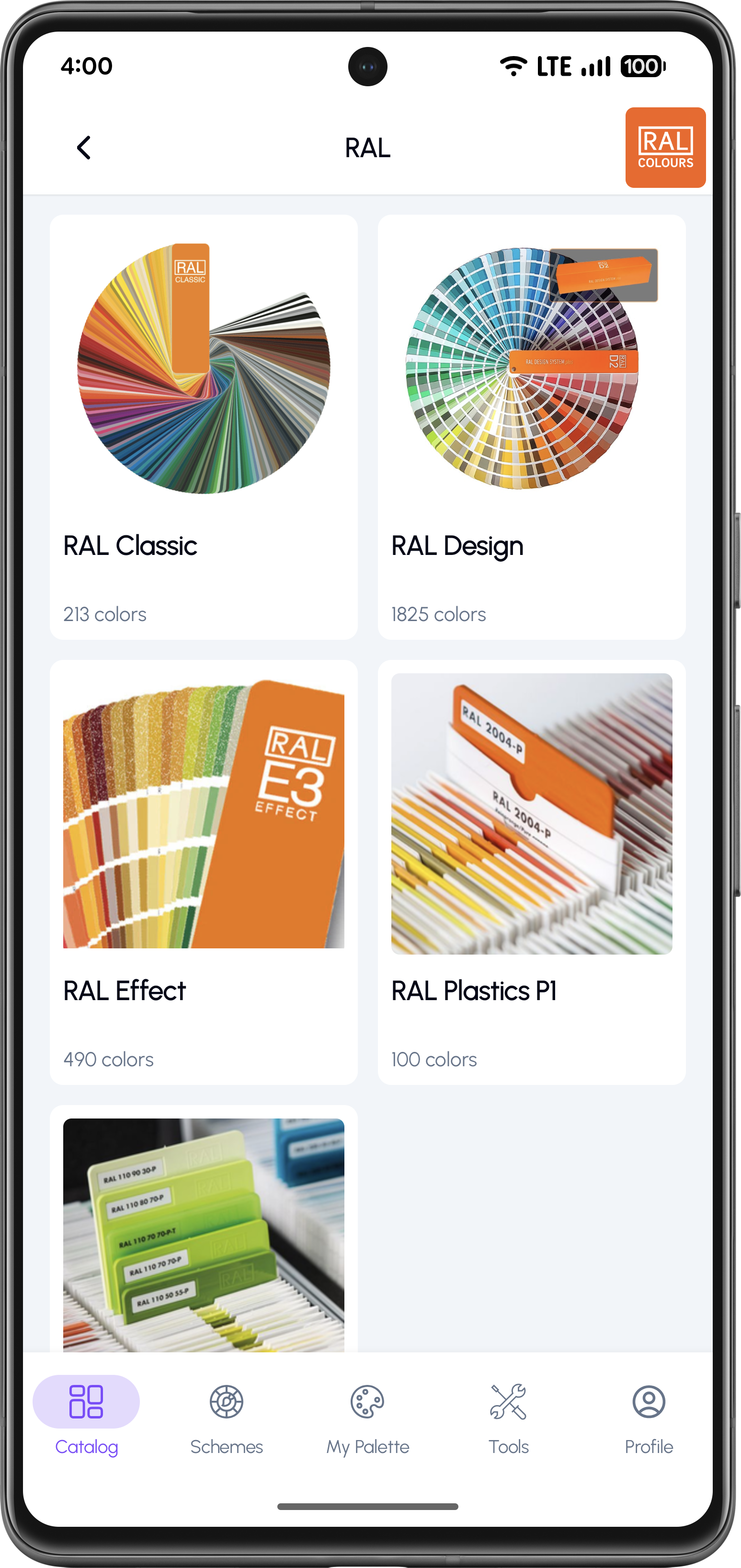
Browse official color standards like RAL, FS595, and British Standard and instantly convert them into real hobby paint equivalents.

Open standards catalog

Select a Color Standard

Access the complete library of standard color references.

Choose a palette

Choose a Palette

Browse RAL, FS, BS and other standard systems.

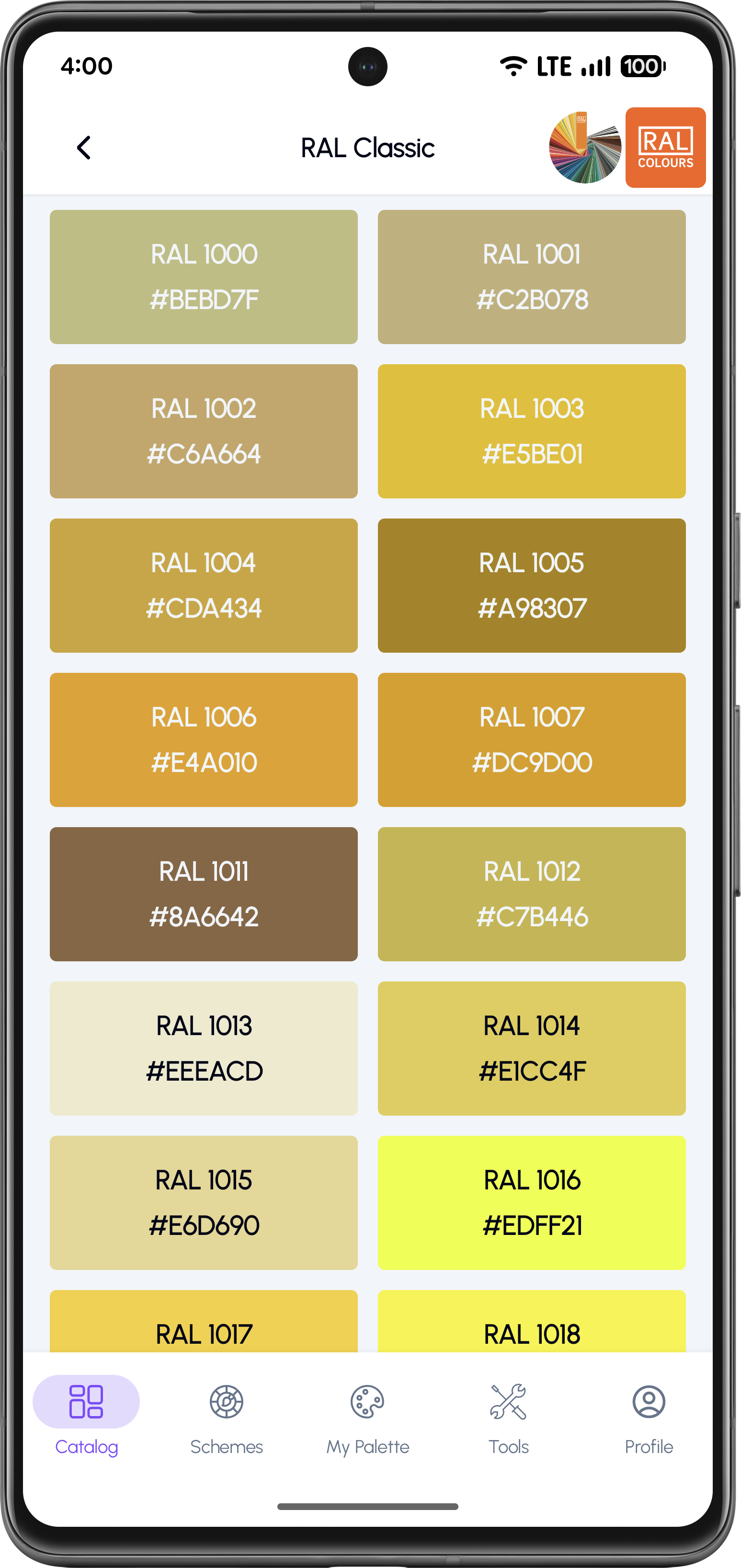
Pick a standard color

Pick a Standard Color

Browse colors by code or name within each standard.

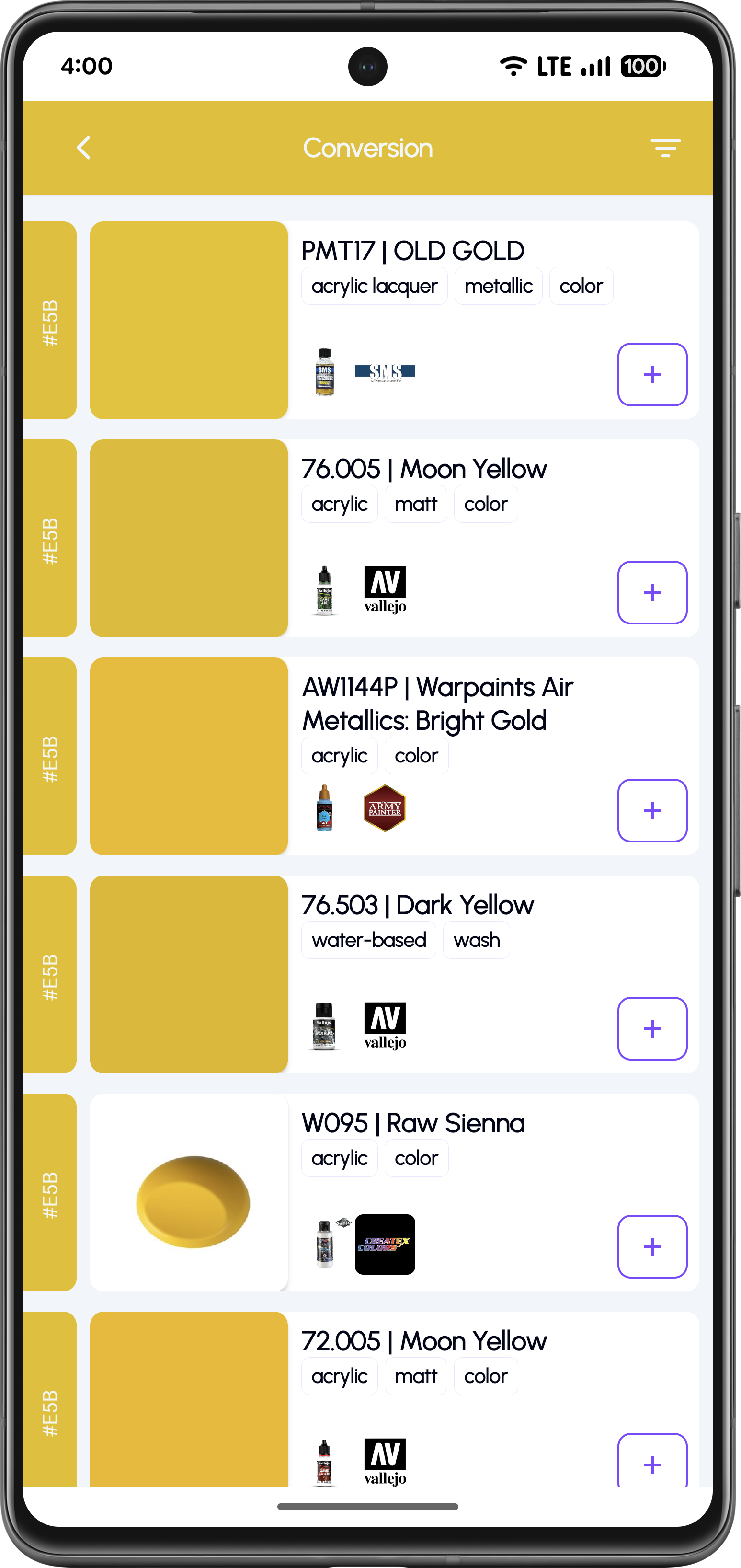
Convert to hobby paints

Convert to Hobby Paints

Find matching paints from multiple brands.

Explore Standards Catalog

Browse Thousands of Model Paints

Explore complete paint catalogs from major brands like Tamiya, Vallejo, Citadel, AK, and more.

Browse paint brands

Choose a Paint Brand

View the complete list of supported paint brands.

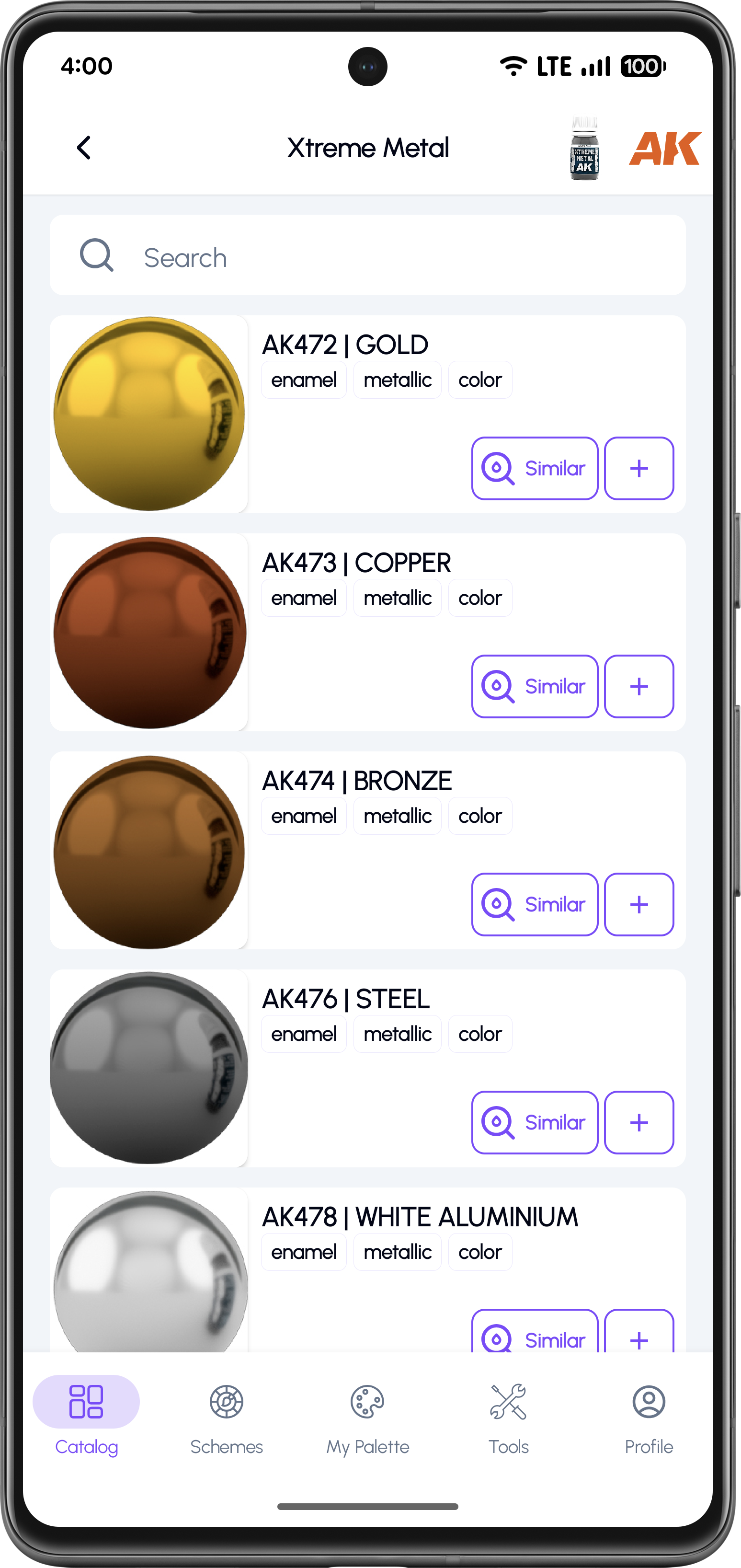
Select sub-collection

Select a Sub-Collection

Browse dedicated paint lines within each brand.

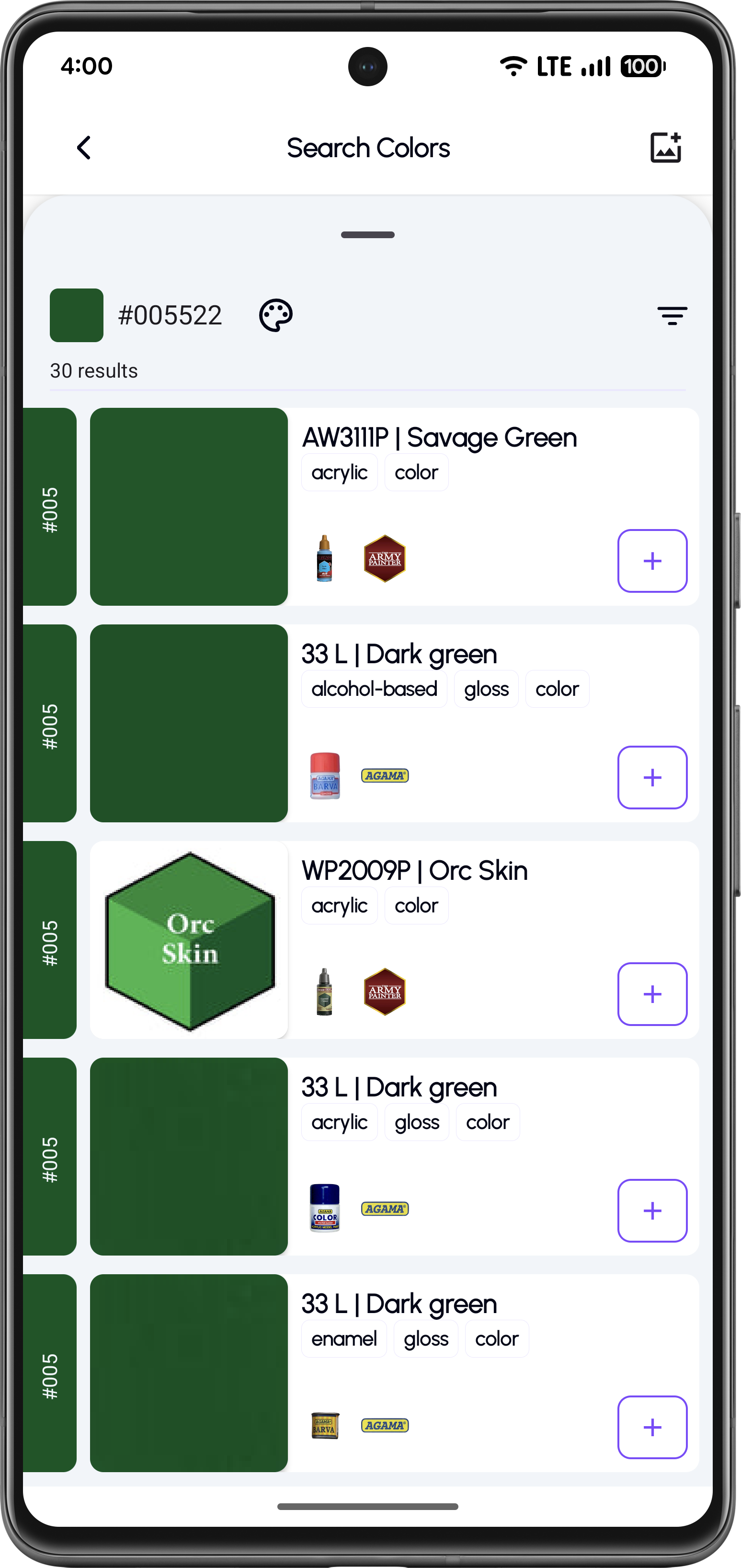
Browse available colors

Browse Available Colors

Search and filter paints in each catalog.

Preview color details

Save Paints to Your Palette

View color codes, hex values, and find matching alternatives.

Browse Paint Catalog

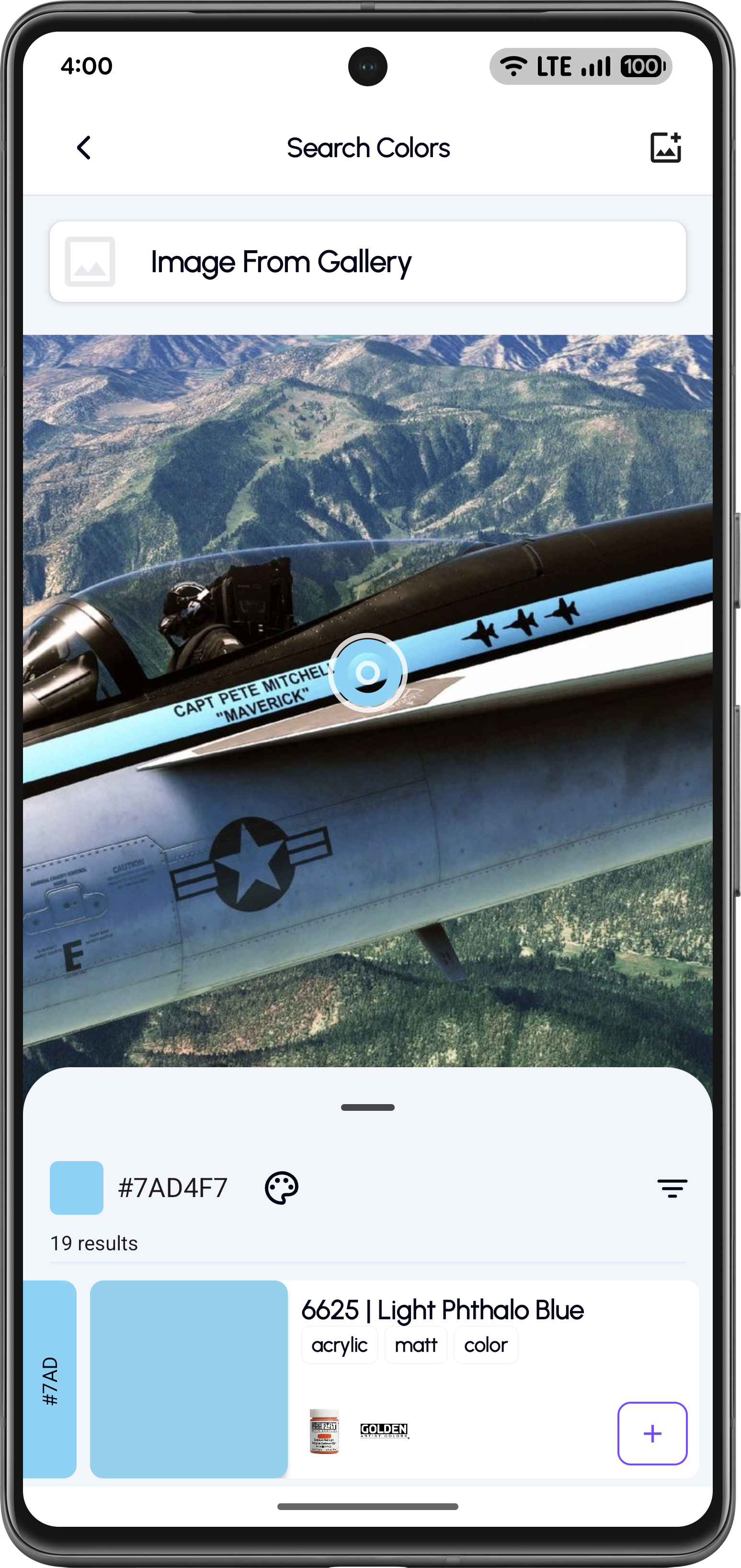
Pick Colors from Any Image

Upload any photo, tap on a color, and instantly find matching hobby paints.

Upload an image

Upload an Image

Upload an image from your gallery to pick colors from.

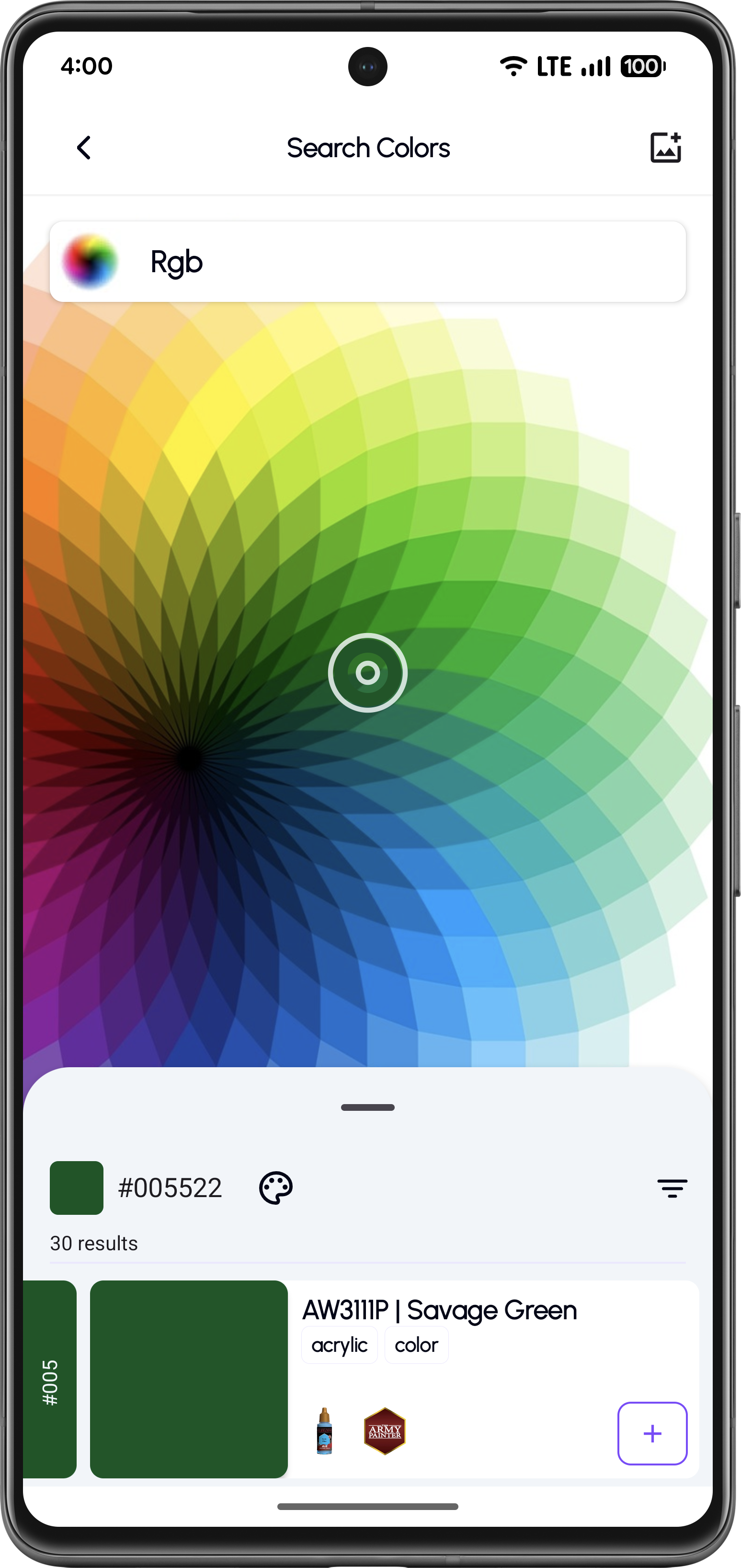
Pick a color using pipette

Tap to Pick a Color

Tap anywhere on the image to select a specific color.

View HEX/RGB value

View the HEX/RGB Value

View the picked color with its hex value and preview.

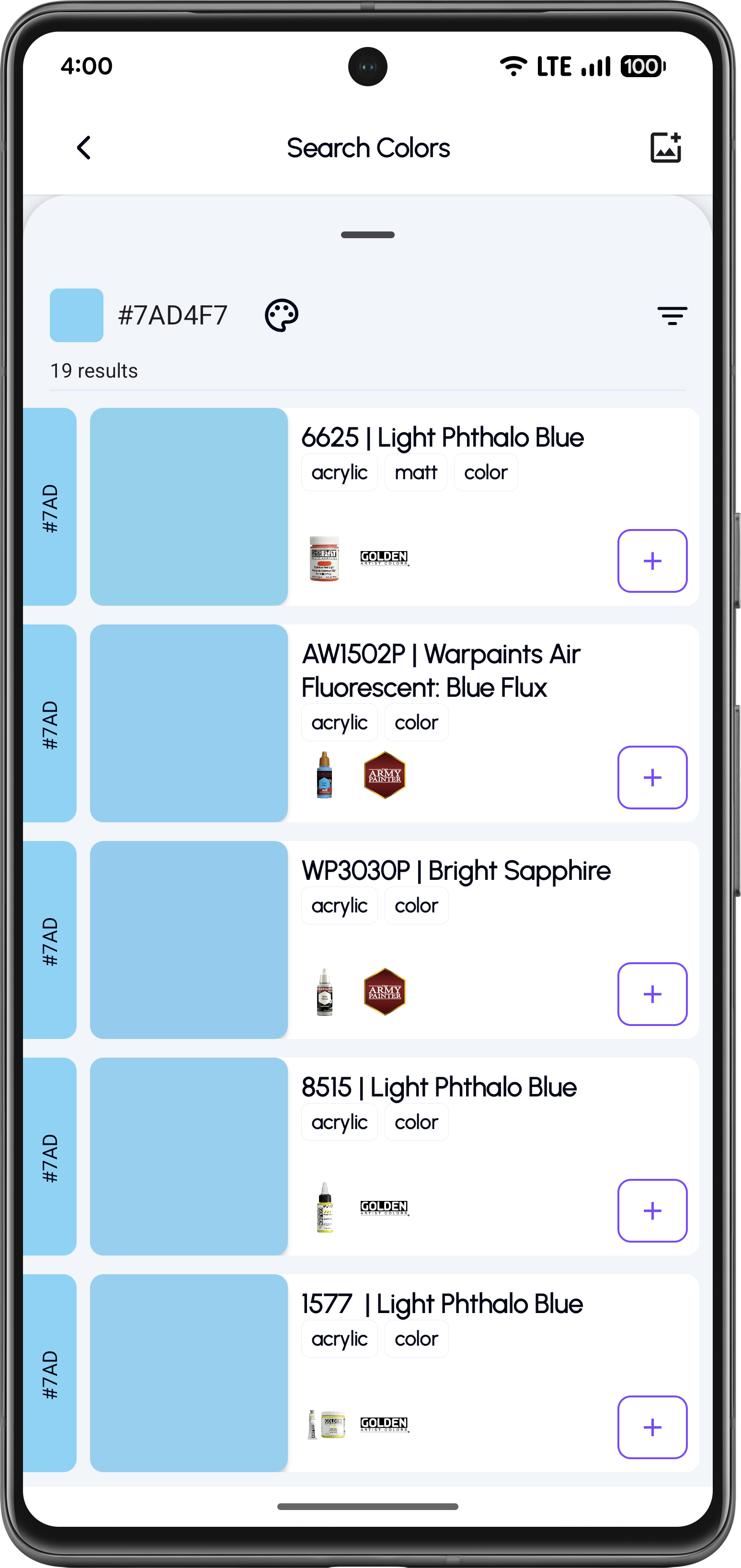
Browse matching paint results

Browse Matching Paints

Apply filters and save paints to your collection.

Try Image Color Picker

Mix Custom Paint Colors

Create custom colors by mixing multiple paints and find the closest real paint matches.

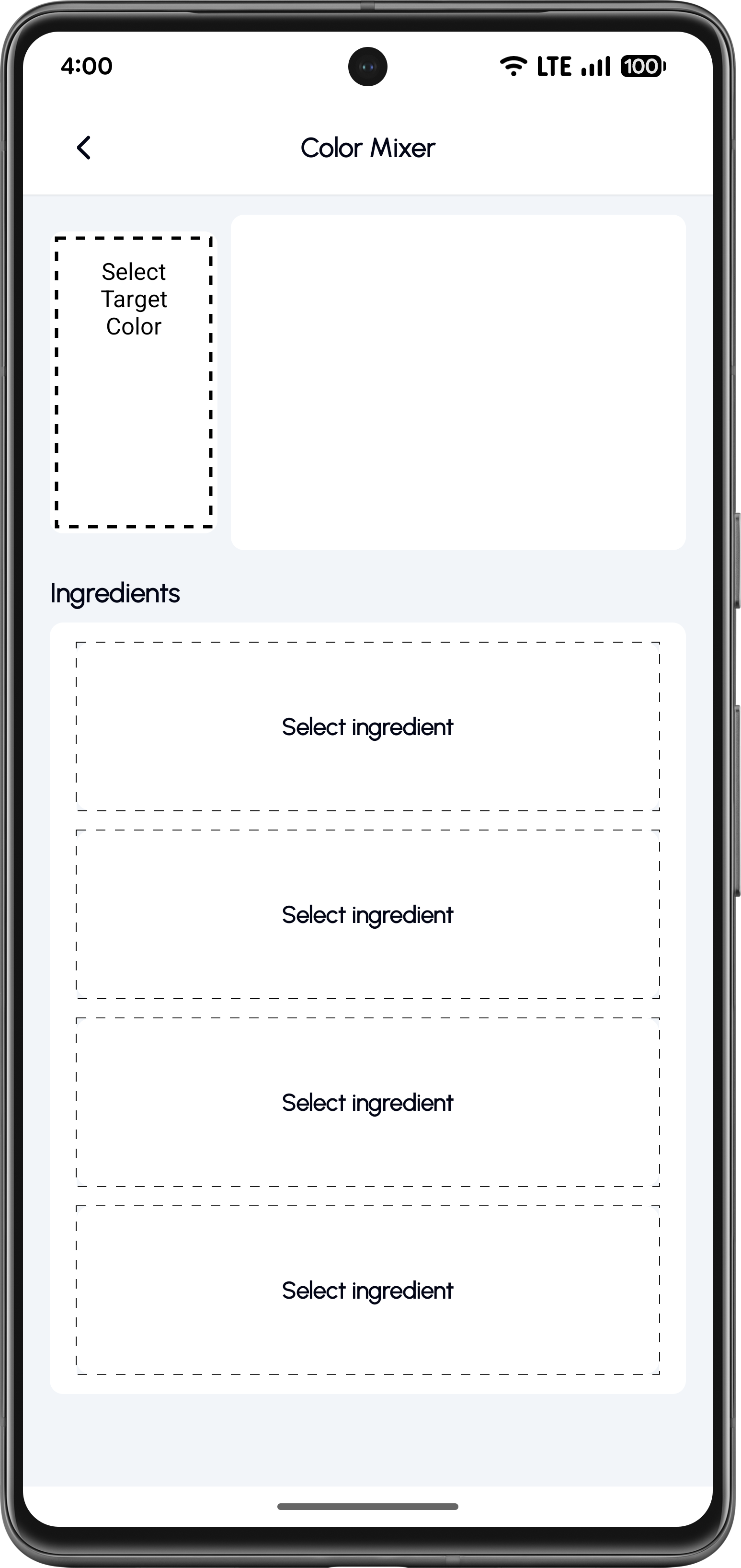
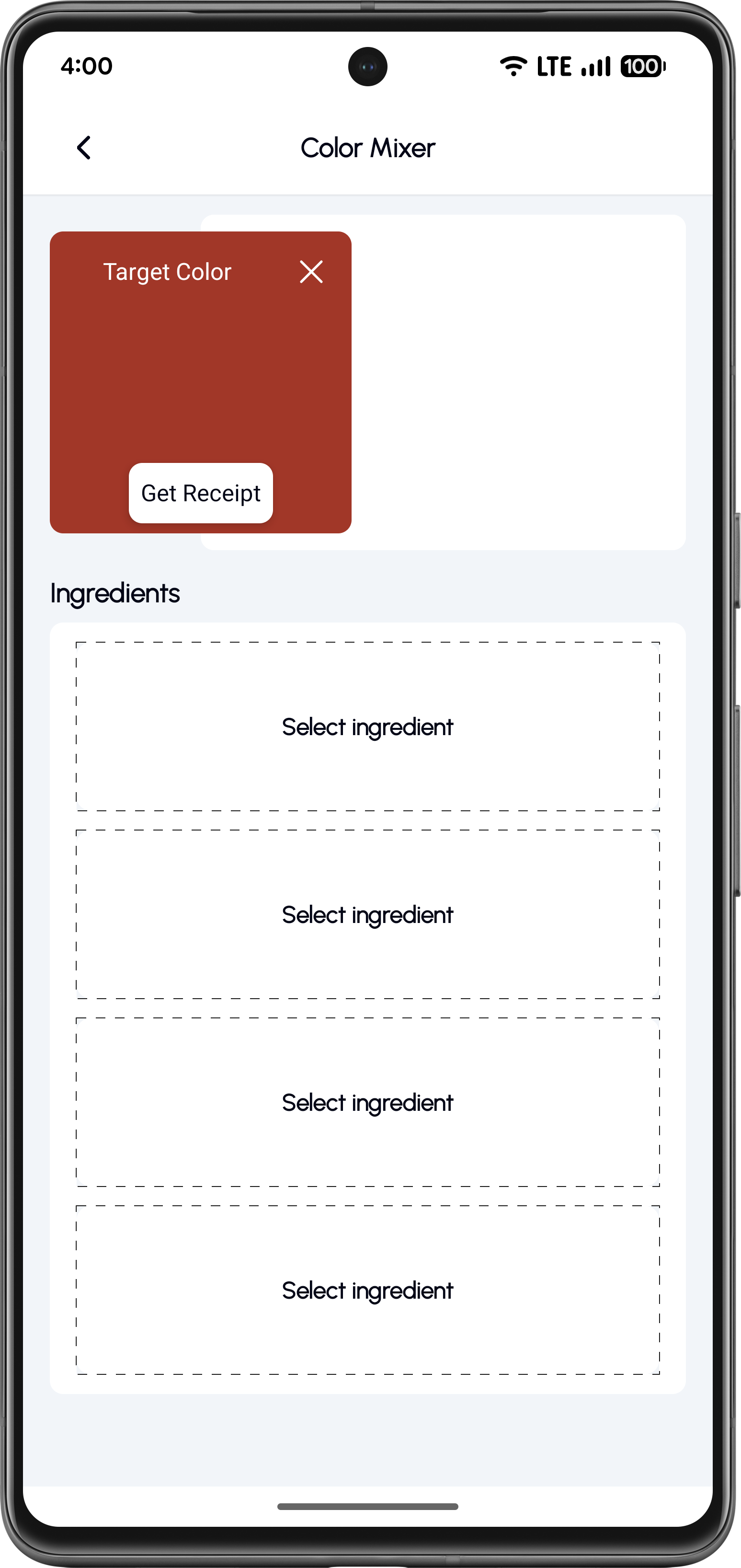
Open color mixer

Select Base Paint Colors

Start from the mixer screen and select a target color.

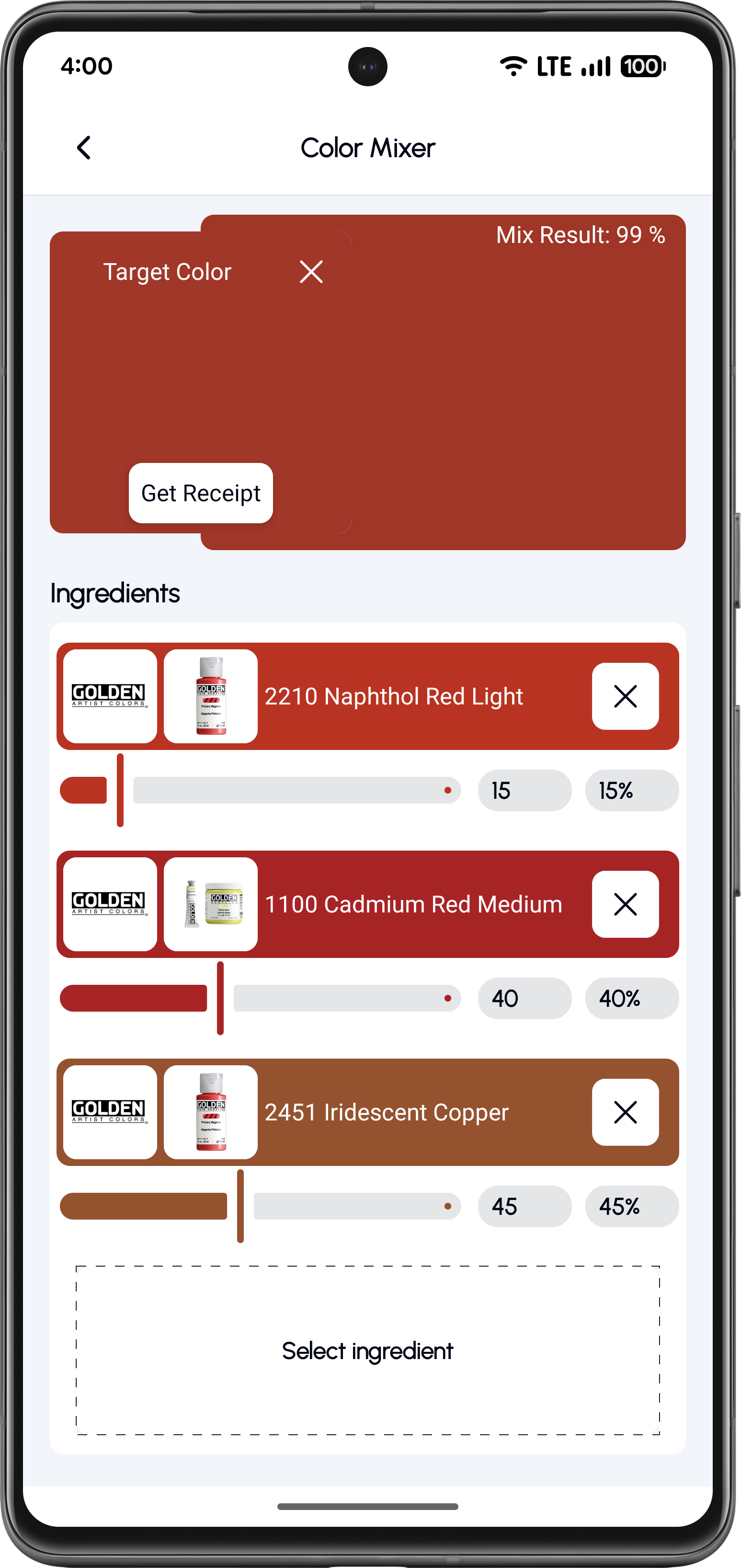
Adjust mixing percentages

Adjust Mixing Percentages

Fine-tune the ratios of each paint in your mix.

Preview mixed color

Preview the Mixed Color

See the result and compare with real paints.

Save the recipe

Save the Recipe

Generate a repeatable recipe with exact ratios.

Open Color Mixer

Build Perfect Paint Matches for Your Models

Download KitColorsPro and access professional color tools for scale modeling, miniatures, and hobby painting.